
Comprehensive guide to fix Battlefield 6 Game Not Released error on Steam with troubleshooting strategies
Understanding the Game Not Released Error
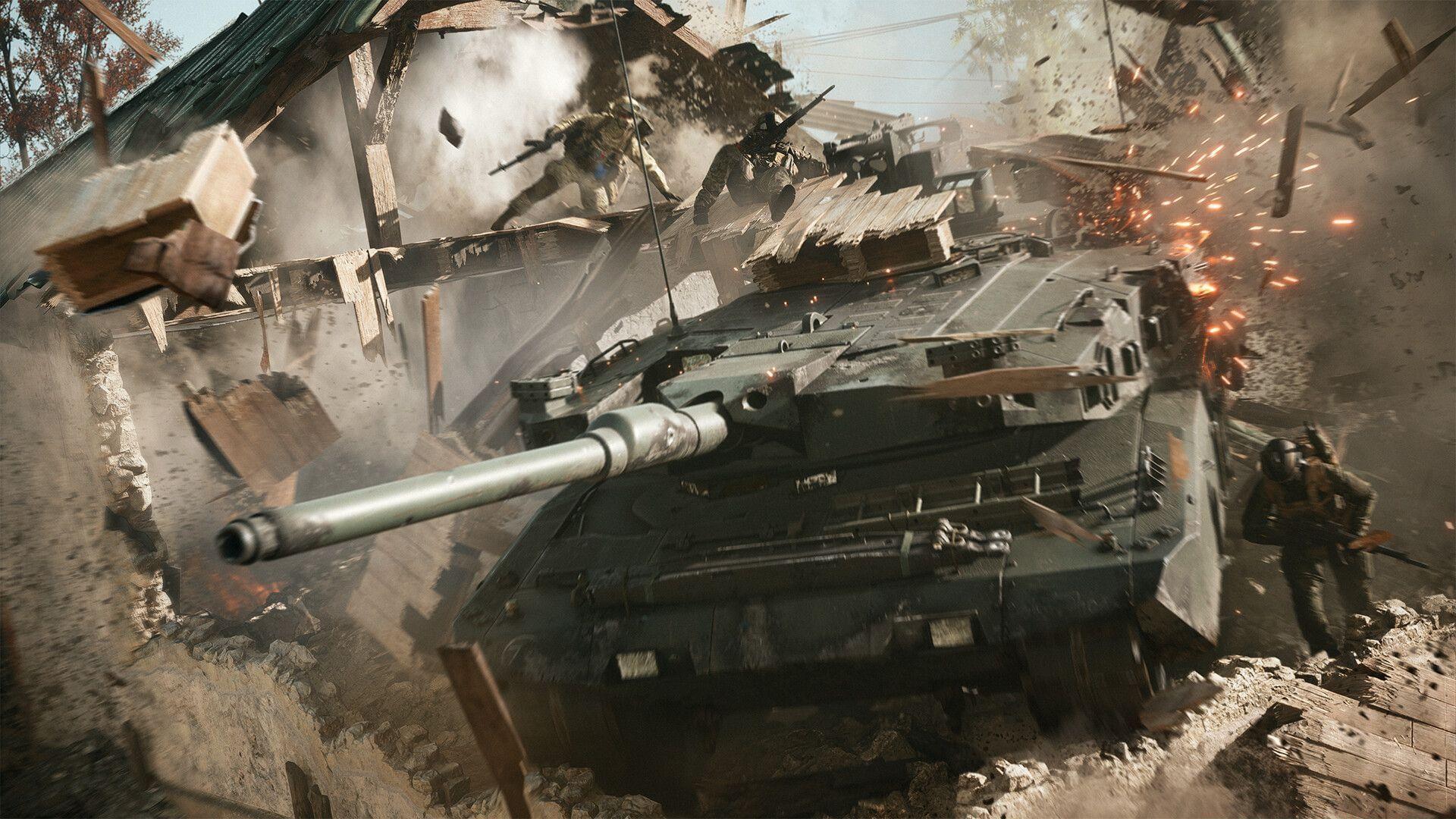
Many Battlefield 6 enthusiasts have encountered a frustrating “Game Not Released” notification on Steam despite the game’s official October 10 launch date. This technical glitch prevents legitimate owners from accessing their purchased content, creating significant player dissatisfaction. The development team has formally recognized this problem and circulated an official statement outlining their recommended resolution procedures.
This error typically manifests when Steam’s licensing servers fail to properly authenticate your game ownership status. Several contributing factors include regional release timing discrepancies, Steam client synchronization problems, or corrupted local installation files. Understanding these root causes helps in selecting the most effective troubleshooting approach for your specific situation.
Official and Advanced Solutions
The primary resolution endorsed by developers involves validating your game file integrity through Steam’s built-in verification system. This process scans your installation for corrupted or missing components and automatically replaces them. Beyond this official method, several additional troubleshooting techniques have proven effective within the gaming community.
To execute file verification: Launch Steam and navigate to your game library. Perform a right-click on Battlefield 6 within your list and choose Properties from the contextual menu. Access the Local Files tab where you’ll discover the “Verify integrity of game files” option. Initiate this scan and allow completion before restarting your gaming application.
For persistent cases, consider these enhanced solutions: Completely exit Steam via the system tray, clear Steam’s download cache through Settings > Downloads, update your graphics drivers, temporarily disable antivirus software during launch attempts, or perform a complete Steam client reinstallation. These advanced methods address deeper system-level conflicts that basic verification might overlook.
Prevention and Best Practices
Implementing proactive measures can significantly reduce recurrence of launch-related errors. Regularly maintain your Steam client with the latest updates, ensure stable internet connectivity during game launches, and avoid interrupting game installation or update processes. These practices help prevent the file corruption and authentication failures that trigger the “Game Not Released” message.
For optimal gaming performance, consider defragmenting your game drive periodically, monitoring system resource allocation, and maintaining adequate storage space. The Battlefield community forums and official support channels provide valuable real-time updates about widespread issues and emerging solutions shared by fellow players experiencing similar technical challenges.
While the initial developer-recommended fix resolves most instances, having multiple troubleshooting strategies ensures you’re prepared for various technical scenarios. The gaming community continues to develop and share innovative solutions as they discover new aspects of this persistent launch error.
No reproduction without permission:Tsp Game Club » How to fix Battlefield 6 “Game Not Released” error on Steam Comprehensive guide to fix Battlefield 6 Game Not Released error on Steam with troubleshooting strategies