
TL;DR
- Navigate to Infinite Disco mode and use Import Song feature with compatible audio files
- Calibrate BPM manually or use online databases for accurate beat detection
- Adjust lag settings systematically starting with extreme values for reference
- Test synchronization through gameplay and fine-tune both BPM and lag iteratively
- Achieve perfect synchronization when you consistently land Perfect hits on beat
Transform your Dead as Disco experience by importing your personal music library into this dynamic rhythm brawler. The custom song feature elevates gameplay by letting you battle to your favorite tracks, creating a truly personalized combat rhythm experience.
Begin your customization journey at the Stage Select interface where you’ll find the Infinite Disco mode. This specialized arena serves as your sandbox for musical experimentation. Locate the prominent “Import Song” button—your gateway to personalized gameplay. When selecting files, prioritize high-quality MP3 formats for optimal compatibility, though WAV and FLAC files may also work depending on your system specifications.

Many players overlook audio quality considerations when importing tracks. For best results, use files with consistent volume levels and minimal compression artifacts. Songs with clear, distinct beats typically synchronize more accurately than heavily processed electronic music with complex rhythms. If you’re building your ultimate battle playlist, consider our Weapons Unlock guide to pair your perfect soundtrack with optimized combat loadouts.
Beat synchronization begins with accurate BPM (beats per minute) configuration—the foundation of rhythmic gameplay. This critical parameter determines how the game maps your combat actions to musical timing, making precision essential for high scores.
Dead as Disco offers dual approaches to BPM setup. The manual tap method involves clicking in rhythm with your track’s prominent beats, which works well for songs with consistent tempo. Alternatively, research your song’s BPM through online databases like SongBPM.com or Beatport, which provide verified tempo information for thousands of tracks. For complex time signatures or variable tempo songs, manual calibration often yields superior results.
A common mistake involves setting BPM based on vocal rhythms rather than instrumental beats. Focus on drum patterns and bass lines—these elements provide the consistent timing reference the game requires. Songs with gradual tempo changes may require averaging or segment-specific BPM adjustments. Understanding these musical fundamentals can enhance your overall gameplay strategy, much like mastering class selection in our comprehensive Class Guide.
Audio-visual synchronization represents the second critical component of perfect gameplay timing. While the game attempts automatic lag calibration, manual refinement is almost always necessary for precision performance.
Begin lag calibration by testing extreme values to establish your adjustment range. Set the lag slider to maximum and minimum positions to understand how offset affects gameplay feel. Then systematically narrow toward the optimal setting through iterative testing. Play several combat sequences at each adjustment point, focusing on whether your attacks land before, on, or after the beat.
Different audio hardware configurations introduce varying latency levels. USB headphones, Bluetooth devices, and external audio interfaces each have distinct delay characteristics that affect synchronization. System audio enhancements like surround sound processing or equalization can also impact timing. For competitive players, dedicating time to perfect lag calibration is as crucial as studying advanced tactics in our Complete Guide to master game mechanics.
Perfect synchronization emerges from the interplay between BPM accuracy and lag precision. Advanced players employ iterative refinement cycles, alternating adjustments between both parameters until combat actions seamlessly align with musical beats.
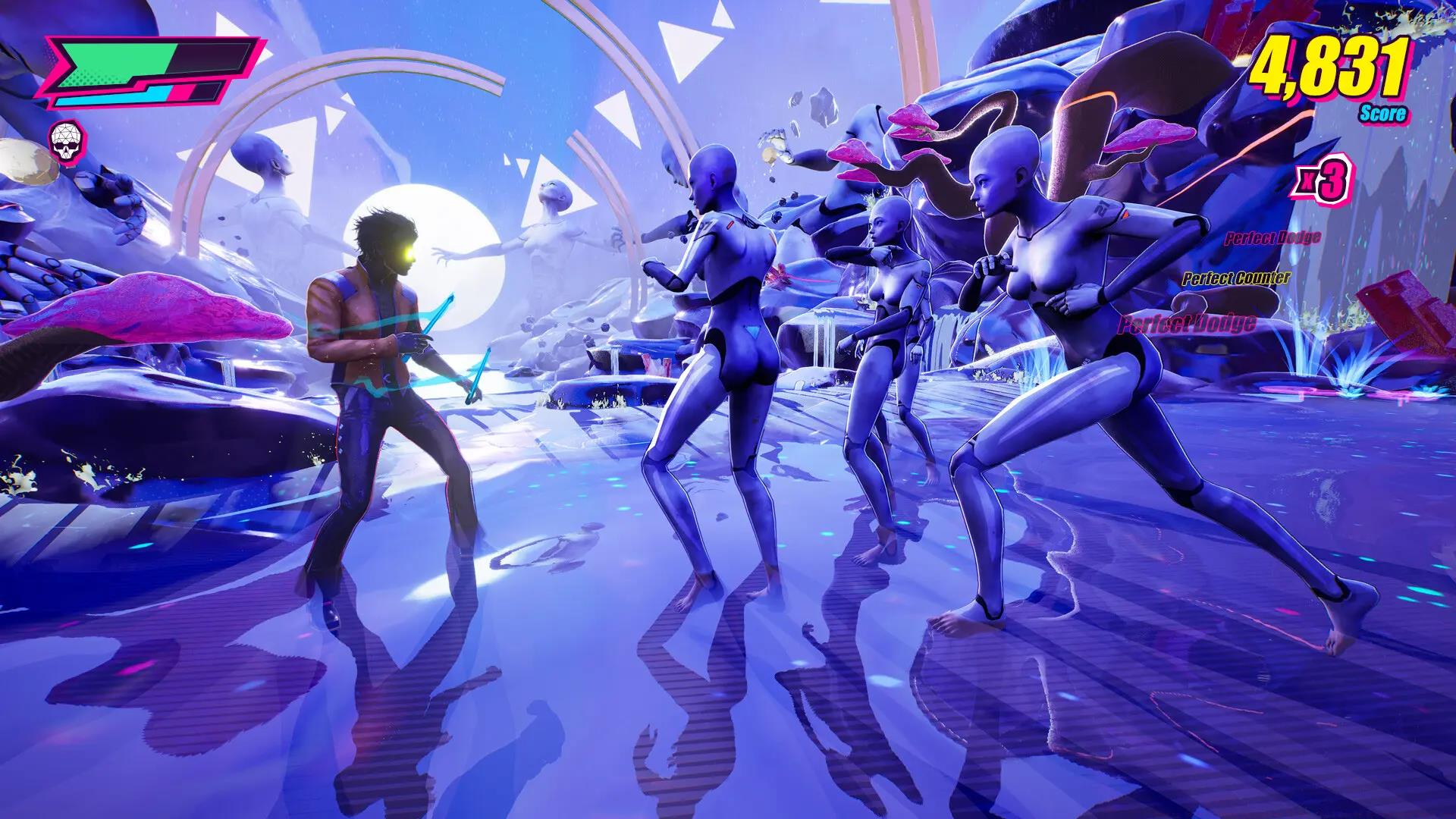
Develop a testing protocol that includes specific combat sequences—practice dodges, combos, and special attacks while monitoring timing feedback. The game’s Perfect hit confirmation provides the clearest indicator of proper synchronization. When consistently achieving Perfect ratings, you’ve likely optimized both BPM and lag settings for that specific track.
Different music genres present unique synchronization challenges. Electronic and pop tracks with consistent 4/4 time signatures typically calibrate most easily. Complex genres like progressive rock, jazz, or classical music with variable tempos may require segmented BPM settings or acceptance of slightly lower synchronization precision. Remember that the ultimate validation comes from gameplay feel—when you naturally anticipate beats and seamlessly integrate combat rhythms, you’ve achieved the custom Dead as Disco experience.
Once mastered, this synchronization system transforms Dead as Disco into your personal rhythm combat simulator. The satisfaction of perfectly timed attacks synchronized to your favorite music creates an immersive experience that standard soundtracks cannot match. Continue refining your technique across multiple tracks to develop an intuitive understanding of musical timing in combat contexts.
Action Checklist
- Access Infinite Disco mode and prepare MP3 format audio files
- Research or manually calibrate song BPM using tap method or online databases
- Test extreme lag values to establish adjustment range before fine-tuning
- Playtest combat sequences and iteratively adjust both BPM and lag settings
- Validate synchronization through Perfect hit consistency and gameplay feel
No reproduction without permission:Tsp Game Club » How to Import Songs in Dead as Disco: Full Guide for Perfect Beat Sync Master custom song imports in Dead as Disco with advanced beat synchronization techniques and optimization strategies