
Complete guide to safely unlinking and managing your Cygames ID in Shadowverse Worlds Beyond with expert tips
Understanding Cygames ID Integration
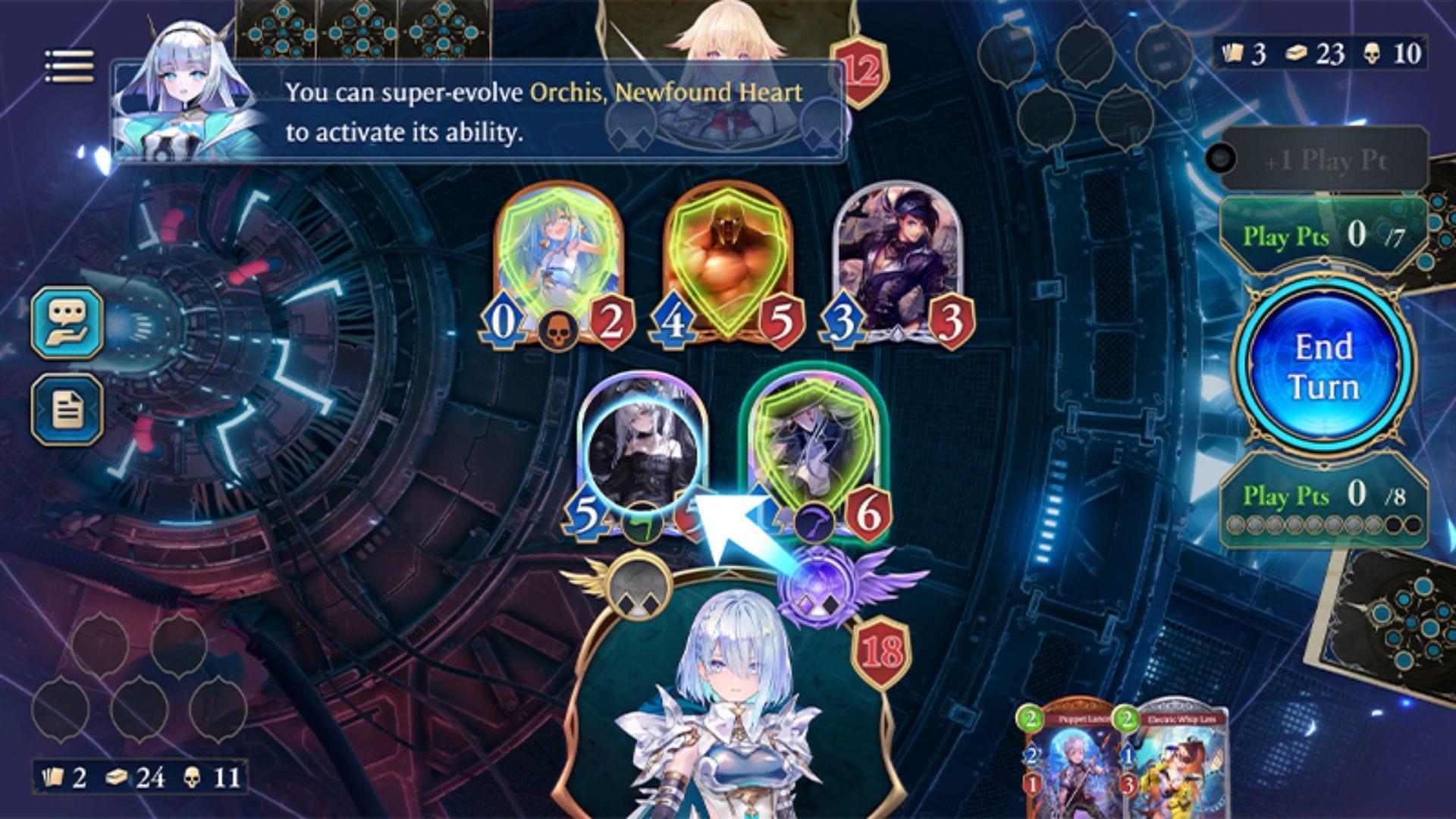
Shadowverse Worlds Beyond represents Cygames’ latest strategic card game evolution, building upon the foundation of the original Shadowverse collectible card game. Integrating your Cygames ID in Shadowverse Worlds Beyond, establishes a registered account that unlocks numerous player advantages. This registration system facilitates access to exclusive in-game rewards, serial code redemption capabilities, direct purchases from the Cygames Webstore, and cross-device synchronization. While technically optional, many players underestimate the long-term benefits of this account integration system.
Expert Insight: Seasoned players should note that linking your Cygames ID early provides access to limited-time collaboration events and exclusive card sleeves that may not be available through standard gameplay. The integration also enables cloud save functionality, protecting your collection against device failure or accidental data loss.
Step-by-Step Unlinking Process
When you need to disconnect your Cygames ID from Shadowverse Worlds Beyond, follow this comprehensive procedure to ensure a smooth transition:
Pro Tip: Before initiating the unlinking process, ensure you have documented any important game data, including friend codes, deck configurations, and current ranking status. This precautionary measure helps streamline the reconnection process should you decide to relink your account later.
Related Strategy Guide — Shadowverse Worlds Beyond Swordcraft decks: Best early decks you can build
Advanced Management Strategies
Following the successful separation of your Cygames ID from Shadowverse Worlds Beyond, you maintain the flexibility to reintegrate your account at any future point. This reversible system accommodates changing player preferences and device management needs.
Common Pitfalls to Avoid: Many players mistakenly believe unlinking will erase their game progress, but your local game data remains intact. However, cloud-saved data and cross-platform synchronization will be temporarily suspended until reconnection. Always ensure stable internet connectivity during the process to prevent incomplete disconnection.
Security Best Practices: When using public or shared devices, consider unlinking your Cygames ID after gameplay sessions to prevent unauthorized access to your account. Regularly review connected devices through the Cygames ID management portal to maintain account security.
Account Recovery Preparedness: Maintain access to your original registration email, as account recovery typically requires email verification. Consider setting up two-factor authentication if available for enhanced account protection.
Expand Your Game Knowledge:
No reproduction without permission:Tsp Game Club » How to link Cygames ID in Shadowverse Worlds Beyond Complete guide to safely unlinking and managing your Cygames ID in Shadowverse Worlds Beyond with expert tips