
Master Genshin Impact achievements with Paimon.moe tracker: Complete guide with tips and automation tools
Introduction to Genshin Impact Achievement System
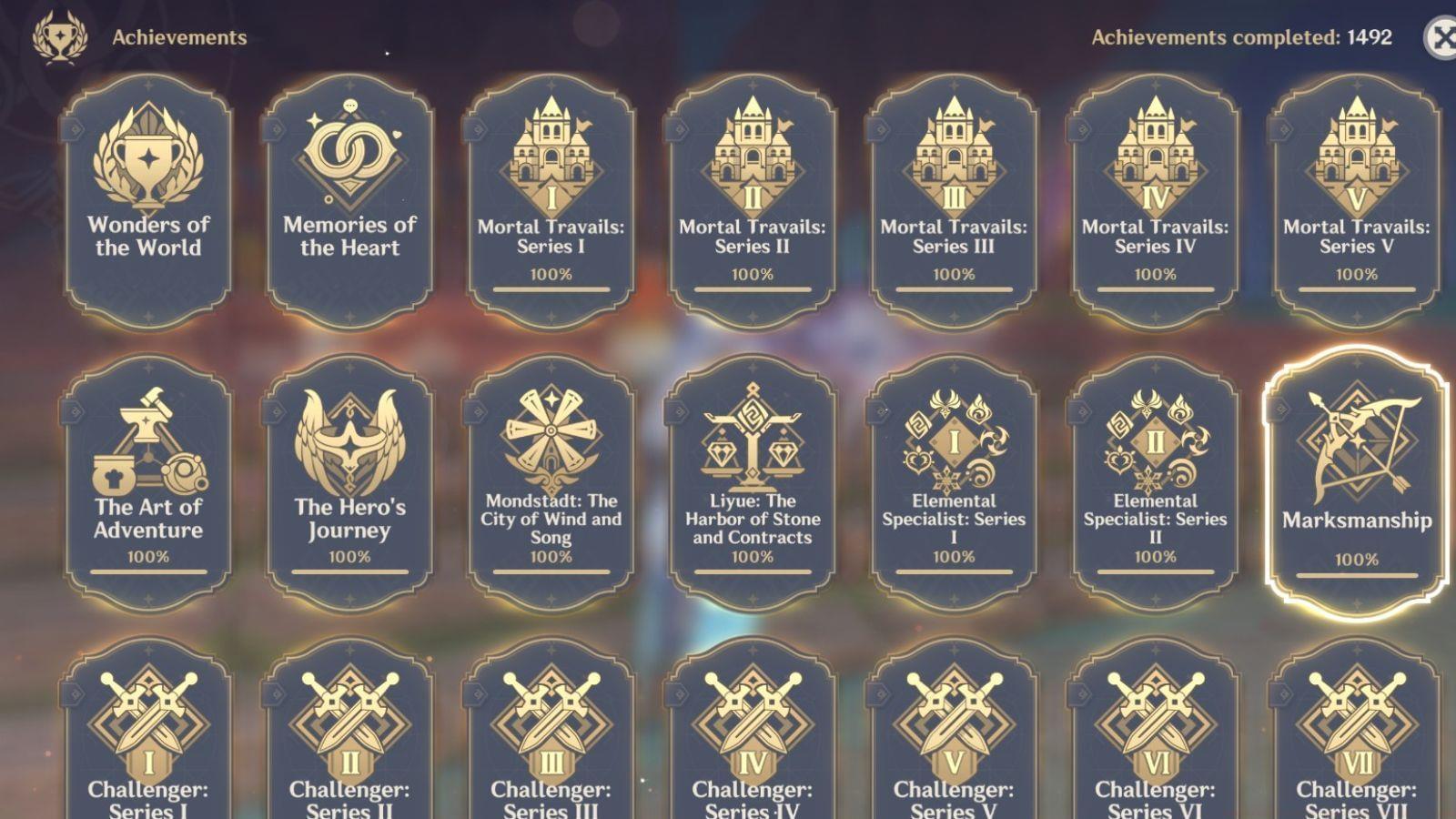
Genshin Impact represents a dynamic open-world gacha experience with continuously evolving content. The achievement system within the game receives frequent updates, yet many accomplishments feature concealed prerequisites that remain invisible until unlocked. This opacity creates significant challenges for completionists aiming to systematically track their progress. Fortunately, the Paimon.moe platform comprehensively monitors all achievement-related data from Genshin Impact, substantially simplifying player tracking efforts.
This third-party resource undergoes regular maintenance updates while deliberately avoiding spoilers about upcoming character releases, making it ideal for players who prefer experiencing new content organically. Beyond achievement monitoring, the platform enables tracking of numerous other game elements including wish history, character progression, and resource management.
Getting Started with Paimon.moe
To initiate your achievement tracking journey, navigate to the Paimon.moe website and proceed to the bottom section of the homepage. Alternatively, access the Database menu and choose the achievement tracking option from the available selections. Upon completing this initial step, you’ll encounter the achievement interface, which mirrors the categorization and structure found within Genshin Impact itself.
For optimal navigation efficiency, bookmark the achievement section directly to bypass repetitive menu traversal. New users should create a free account to save their progress across sessions, preventing data loss during browser cache clearing. The interface supports multiple language options, accommodating international players who may prefer navigating in their native tongue.
Advanced Tracking Features
The primary distinction between the in-game achievement system and Paimon.moe’s implementation lies within the Wonders of the World classification. This specialized category contains numerous concealed accomplishments that remain completely invisible within the game client until players fulfill their specific conditions. The external tracking platform displays these hidden achievement prerequisites openly, providing invaluable guidance for completion-focused travelers.
Beyond basic visibility, the website organizes achievements by update version, allowing players to focus on content from specific game patches. Each achievement entry includes detailed completion criteria, recommended strategies, and community-reported success rates. The platform also tracks your progression percentage across different categories, helping prioritize which achievements to pursue next based on remaining requirements.
Efficient Manual Tracking Process
The subsequent phase involves meticulous manual selection and represents the most labor-intensive aspect of achievement synchronization. On the Paimon.moe platform, you must individually mark every accomplishment you’ve obtained within Genshin Impact. While both the website and game include search functionality, this procedure remains inherently time-consuming, particularly for veteran players with extensive achievement histories.
Optimize this process by tackling achievements category by category rather than scrolling through the entire list randomly. Use the search function to quickly locate specific achievement names you recall completing. For bulk selection, hold Ctrl (or Cmd on Mac) to select multiple achievements simultaneously. Consider dedicating 15-30 minute sessions to prevent burnout during extended tracking marathons, and always save your progress periodically to avoid losing marked achievements.
Common Issues and Solutions
The Paimon.moe platform occasionally experiences synchronization discrepancies with the live game data. Certain achievements might appear missing from the database, while others could be duplicated within the tracking interface. To ensure accurate achievement monitoring, meticulously compare your in-game achievement counts against the website totals after completing the manual selection process.
Common synchronization problems include achievements from recent updates not yet added to the tracker, region-specific accomplishments not available in all server versions, and temporary database errors during high traffic periods. When encountering discrepancies, check the platform’s update log for recent database maintenance and consider waiting 24-48 hours after new game patches for the tracker to receive necessary updates. For persistent issues, consult the community Discord where moderators can address data inaccuracies.
Automation with Akasha Scanner
For players seeking to bypass the manual entry bottleneck, the Akasha Scanner application available through GitHub dramatically streamlines this tedious procedure. This utility captures screenshots of your achievement interface within Genshin Impact and converts them into compatible data formats for the tracking website. To import this automated data, access the settings menu on Paimon.moe, select the export/import data option, and choose the generated JSON file from your local storage.
The scanning tool requires specific setup steps: ensure your game resolution matches the scanner’s requirements, use PNG format for optimal screenshot clarity, and capture full-screen images without overlapping applications. The application works best when achievements are sorted by completion date rather than category. After import, always verify that the scanned data accurately reflects your actual achievement count, as occasional parsing errors may occur with unusual achievement names or special characters.
Also read: Genshin Impact leaks show Skirk’s kit
No reproduction without permission:Tsp Game Club » How to use Genshin Impact achievement tracker Master Genshin Impact achievements with Paimon.moe tracker: Complete guide with tips and automation tools