
Complete guide to Rainbow Six Siege Y10S1.3 update downtime, fixes, and maintenance impact
Y10S1.3 Update Overview and Downtime Schedule
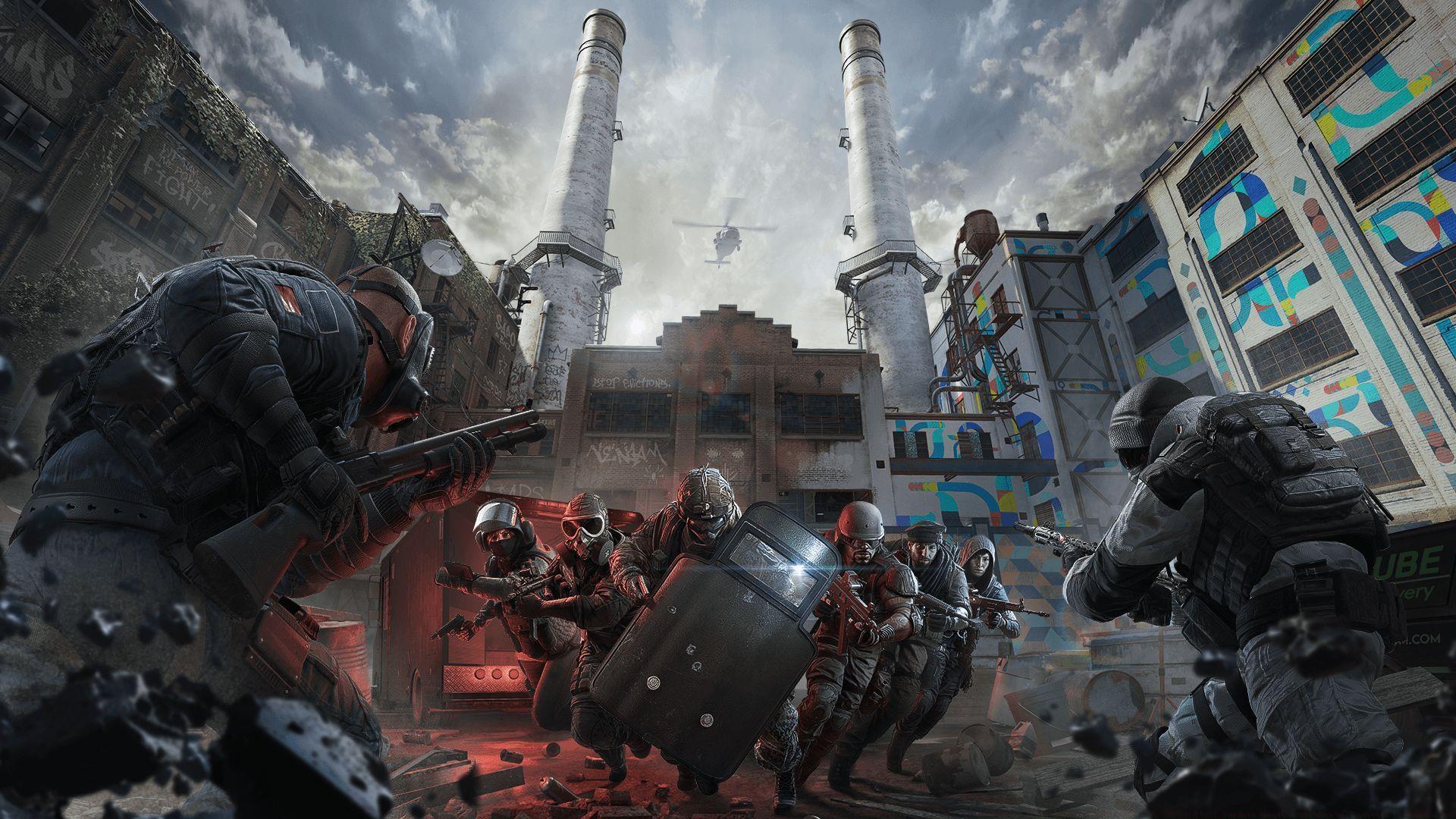
Ubisoft has scheduled essential maintenance for Rainbow Six Siege servers commencing today, April 15, 2025, at 9 AM Eastern Time, to implement the crucial Y10S1.3 update package. This planned downtime will impact every supported gaming platform simultaneously. Throughout the maintenance window, complete service interruption means players cannot access any game features, and active matches may terminate unexpectedly without warning signals.
Here is the comprehensive global server shutdown schedule across all operational regions:
- International Standard: April 15, 2025, at 1:00 PM UTC
- United States Regions: April 15, 2025, at 6:00 AM PT / 9:00 AM ET
- India Territory: April 15, 2025, at 6:30 PM IST
- Japan Sector: April 15, 2025, at 10:00 PM JST
- Australia Zone: April 15, 2025, at 11:00 PM AEST
While Ubisoft projects maximum downtime duration at sixty minutes, unforeseen technical complications could prolong server unavailability significantly. Players should actively monitor official Rainbow Six Siege social media channels for live status notifications. Additionally, utilizing third-party monitoring services like DownDetector provides supplementary server health verification and outage reporting capabilities.
Detailed Maintenance Impact on Game Services
During the scheduled maintenance period, Ubisoft will completely suspend all matchmaking functionalities, including both casual playlist access and competitive ranked queue systems. Gamers currently engaged in active sessions when maintenance initiates face immediate disconnection without advance notification mechanisms. Service restoration occurs automatically once update deployment completes successfully.
Pro Tip: Always conclude your gaming sessions at least 15 minutes before scheduled maintenance begins to avoid potential rank point loss or match abandonment penalties. This preventive measure ensures your player statistics remain unaffected by unexpected server disruptions.
Seasoned players recommend utilizing this downtime to review recent match recordings, analyze tactical approaches, or study new operator strategies that could be implemented once servers resume normal operations. This transforms forced break time into productive skill development opportunities.
Technical Fixes and Bug Resolutions
The Y10S1.3 patch delivers essential corrections for multiple critical software defects and connectivity obstacles. Specific resolutions include eliminating match joining failures that previously prevented squad integration and resolving deployment phase freezing that trapped players in loading screens indefinitely. The update also rectifies reputation card display malfunctions and operator unlock video playback errors that compromised the new player onboarding experience.
Notably, this release addresses the persistent error code 0x00000140 that exclusively affected PC platform participants, resolving graphic rendering conflicts and stability concerns. Although the update introduces no fresh content additions, it systematically resolves numerous aggravating issues that have impacted player satisfaction metrics across all skill tiers.
Common Mistake Avoidance: Many players mistakenly attempt to bypass maintenance periods by using VPN connections, which often triggers additional security flags and may result in temporary account restrictions. Always wait for official server restoration announcements before attempting reconnection.
Player Preparation and Post-Maintenance Guide
This comprehensive overview covers all essential Y10S1.3 update particulars. Participants should exercise patience throughout the maintenance operation timeframe. If server status indicates operational but functionality remains impaired for your account, immediately contact Ubisoft’s technical support team through official channels.
Post-Update Verification Protocol: After maintenance completion, systematically check these key game elements: operator ability functionality, cosmetic item displays, friend list integration, and audio setting preservation. Document any irregularities for technical support reference if needed.
Advanced players should particularly monitor frame rate consistency and input latency following update installation, as patch deployments occasionally reset performance optimization settings. Consider recalibrating sensitivity configurations and graphic preferences to restore previous gameplay responsiveness levels.
Read more articles here:
- Elite Brava bundle in Rainbow Six Siege: Price, what’s included
- 5 new features in Rainbow Six Siege X Closed Beta
- How to potentially fix DX12 FPS drops in Rainbow Six Siege
No reproduction without permission:Tsp Game Club » Rainbow Six Siege downtime today (April 15, 2025): Y10S1.3 update duration and when will servers be back online? Complete guide to Rainbow Six Siege Y10S1.3 update downtime, fixes, and maintenance impact