
Complete guide to preloading Overwatch 2 Season 16 on PC with Battle.net launcher tips and optimization strategies
Season 16 Overview and What’s New
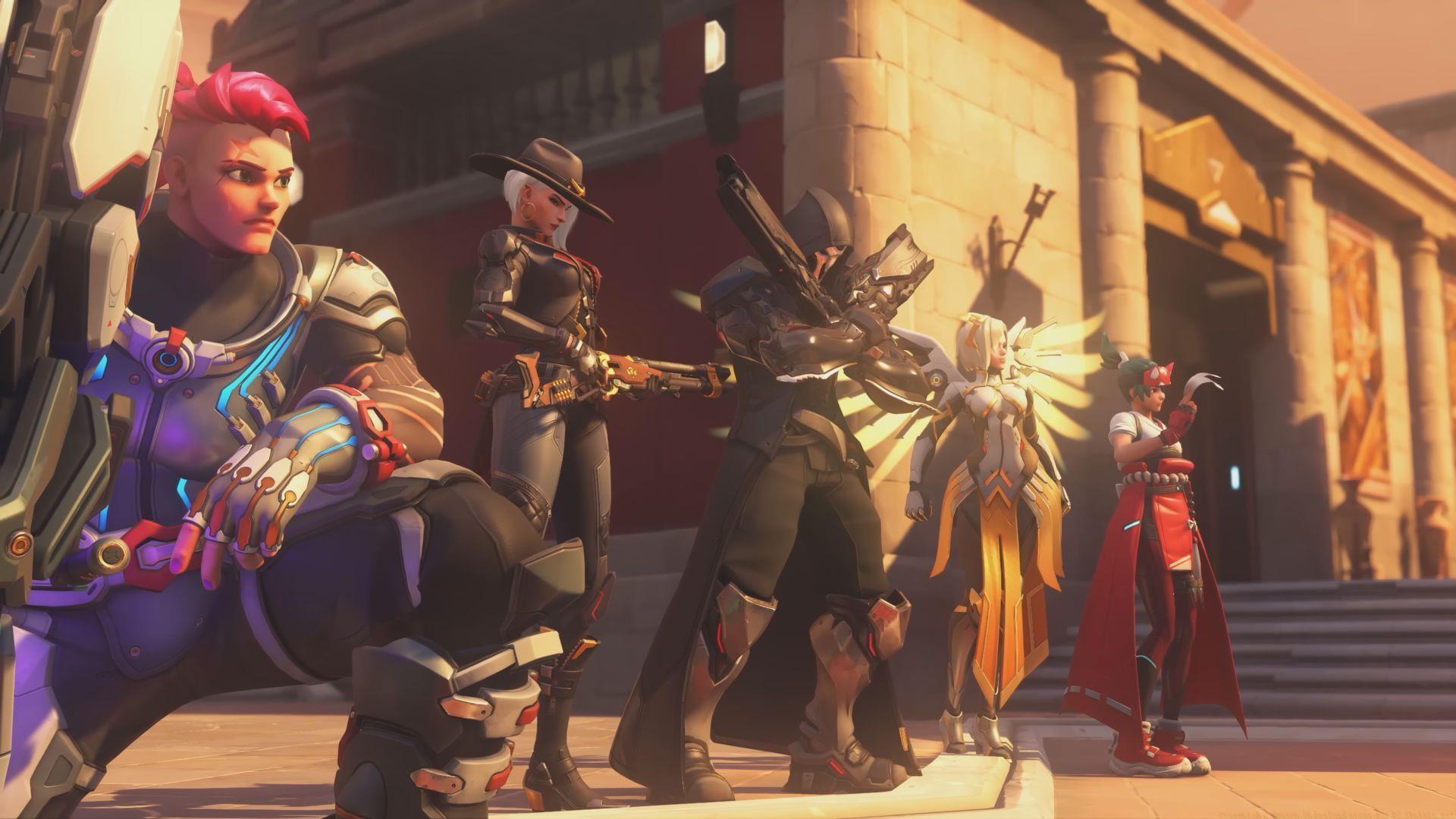
Overwatch 2 Season 16 officially launches on Tuesday, April 22, 2025, at 7:00 UTC (12:30 PM IST), bringing substantial content updates that will transform the gaming experience. The season introduces Freja as the latest DPS hero addition, featuring unique mechanics that require strategic positioning and timing. Stadium Mode represents Blizzard’s innovative approach to competitive gameplay, offering structured arena-style matches with enhanced spectator features.
The DokiWatch-themed cosmetic collection draws inspiration from Sailor Moon aesthetics, providing visually striking skins for Juno, Brigitte, Widowmaker, Kiriko, Mercy, and D.Va. Beyond visual enhancements, Season 16 implements comprehensive balance adjustments affecting multiple hero rosters. These include targeted buffs for underperforming characters, nerfs to dominant meta picks, and strategic Perk system rotations that will redefine team compositions and counter-play strategies.
Looking for Crossword hints & solutions? Check out latest NYT Mini Crossword Answers, LA Times Crossword Answers, and Atlantic Crossword Answers
Also read: Overwatch 2 S16 release date and time for all regions
Step-by-Step Preloading Process
Executing the preload process correctly ensures you’re ready the moment Season 16 becomes available. Follow this comprehensive guide to prepare your Battle.net client for the update:
Also read: Associate game director hints at potential changes coming in Overwatch 2 S16
Advanced Preloading Strategies
Beyond the basic steps, experienced players can optimize their preloading experience through these professional techniques:
Network Optimization: Schedule your download during off-peak hours (typically early morning) for maximum bandwidth allocation. Temporarily pause other Battle.net game updates to dedicate full bandwidth to Overwatch 2. Consider using wired Ethernet connections instead of WiFi for more stable transfer rates, especially for large update files.
Storage Management: Ensure you have at least 15-20GB of free space beyond the estimated download size to accommodate extraction and installation processes. Regularly clear Battle.net cache through app settings to prevent corrupted file issues. Monitor your system’s storage allocation to avoid interrupted downloads due to space constraints.
Troubleshooting Common Issues: If the preload button doesn’t appear, restart the Battle.net client completely. For slow download speeds, change your region in Battle.net settings to less congested servers. Should the download fail or stall, clear the Battle.net cache and resume rather than starting completely over. Always verify game file integrity through the scan and repair function after major updates.
Also read: Overwatch 2 Gundam Wing collab teased
Benefits of Early Download
Preloading Season 16 provides significant advantages that enhance your gameplay experience from the moment servers go live:
Immediate Content Access: By downloading in advance, you bypass the typical launch day congestion and server strain. This ensures instant access to Freja, Stadium Mode, new skins, and balance changes the second the season begins. Avoid the frustration of waiting hours while others are already experiencing new features.
Competitive Edge: Early access to new heroes and modes allows you to develop strategies and mastery before the meta stabilizes. Practice with Freja’s abilities in training modes immediately rather than waiting through download periods. Learn Stadium Mode mechanics while other players are still queueing for downloads.
Performance Optimization: Preloaded content undergoes background installation and optimization, resulting in smoother performance during initial gameplay. Your system processes files gradually rather than handling intensive installation while trying to run the game. This prevents frame rate drops, texture loading issues, and connection problems common during high-traffic launch periods.
Check out our other articles related to the game:
No reproduction without permission:Tsp Game Club » Overwatch 2 Season 16 Preload sizes for PC (Battle.net) Complete guide to preloading Overwatch 2 Season 16 on PC with Battle.net launcher tips and optimization strategies