
Essential PC requirements and optimization tips for Rainbow Six Siege X June 2025 launch
Introduction to Rainbow Six Siege X
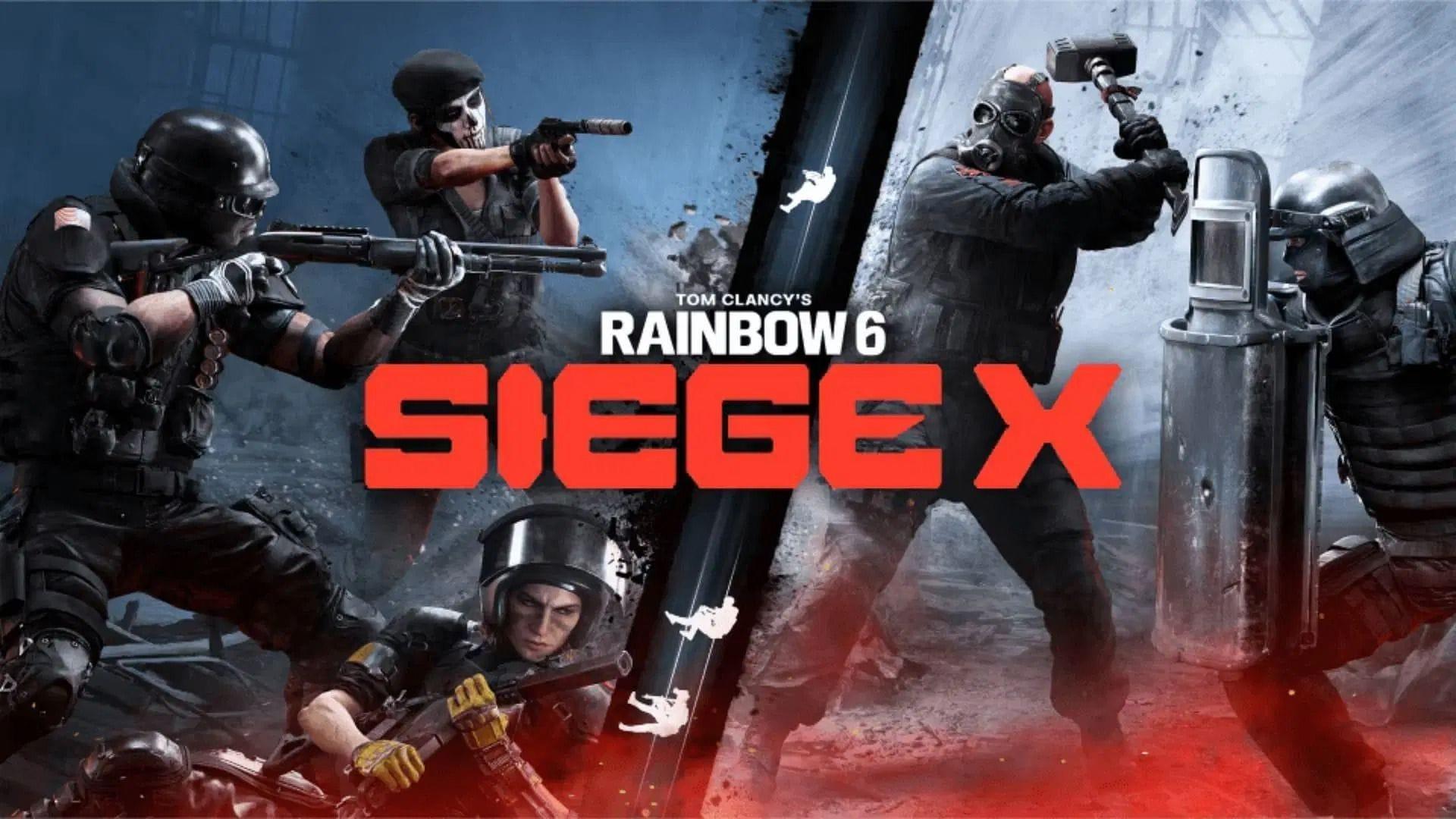
Rainbow Six Siege X launches globally on June 10, 2025, marking a significant evolution in the tactical shooter franchise. This next-generation installment builds upon the established R6 universe while introducing revolutionary gameplay mechanics and enhanced visual fidelity. The recently revealed hardware specifications indicate substantially increased system demands compared to previous titles in the series.
Official PC System Requirements
Understanding the hardware specifications is crucial for optimal gaming performance. While exact specifications haven’t been fully detailed, early indicators suggest significant increases across CPU, GPU, and memory requirements compared to Rainbow Six Siege.
For competitive players, achieving stable frame rates above 144 FPS will likely require current-generation hardware. The enhanced graphical features including real-time ray tracing and higher resolution textures contribute to the increased system demands.
Game Modes and Performance Impact
Traditional competitive modes in Core Siege feature redesigned maps and refined mechanics that demand consistent high frame rates for peak performance. The tactical nature of these matches requires rapid response times and smooth visual feedback during intense firefights.
Dual Fronts introduces groundbreaking large-scale combat with expanded player counts and substantially larger battlefields. These massive environments feature detailed destruction physics and complex AI systems that significantly increase processing requirements. Extended match durations in this mode mean your system must maintain optimal performance for potentially hour-long sessions without thermal throttling or performance degradation.
Performance Optimization Strategies
Begin by assessing your current system against the official specifications. Update graphics drivers and ensure adequate cooling solutions are in place for sustained gaming sessions. Consider adjusting in-game settings like shadow quality and anti-aliasing first, as these typically offer the best performance improvements with minimal visual impact.
Avoid common mistakes like neglecting background applications or using outdated drivers. Many players overlook power management settings and thermal paste degradation, which can significantly impact long-term performance. Advanced users should monitor VRAM usage and CPU thread utilization to identify potential bottlenecks before they affect gameplay.
For competitive players, prioritize frame rate stability over maximum visual fidelity. Disable unnecessary background processes and consider using gaming-optimized power plans. Regular system maintenance including dust removal and thermal monitoring can prevent performance drops during critical moments.
No reproduction without permission:Tsp Game Club » Siege X will require “a bit more” from your PC than expected Essential PC requirements and optimization tips for Rainbow Six Siege X June 2025 launch