
TL;DR
- Mechanical keyboards offer superior durability with 50+ million keystroke lifespan but cost significantly more
- Professional membrane keyboards provide excellent tactile feedback at half the price of mechanical alternatives
- TKL (Tenkeyless) designs dominate pro gaming due to improved ergonomics and space efficiency
- Switch type selection dramatically impacts gaming performance and response times
- Budget alternatives from major brands deliver 80% of premium performance at 40% of the cost
- Anti-ghosting technology is essential for complex key combinations in CS:GO
When observing elite CS:GO tournaments, you’ll immediately notice the specialized gaming peripherals. Professional keyboards don’t just feature vibrant RGB lighting—they incorporate advanced internal technologies that significantly enhance gaming performance. These devices register keystrokes with remarkable speed and offer capabilities far beyond standard office keyboards.
Settle in for an in-depth exploration of optimal CS:GO keyboard solutions, including their advantages and limitations. You’ll discover that premium pricing doesn’t automatically translate to superior gaming performance.
Keyboard types
Many gamers initially use standard office keyboards they already own. These typically include basic multimedia functions such as media playback controls, volume adjustment keys, and similar features. While affordable initially, these keyboards typically lack longevity. The typing experience often feels mushy and unsatisfying, with keycaps frequently failing within several months of regular use.
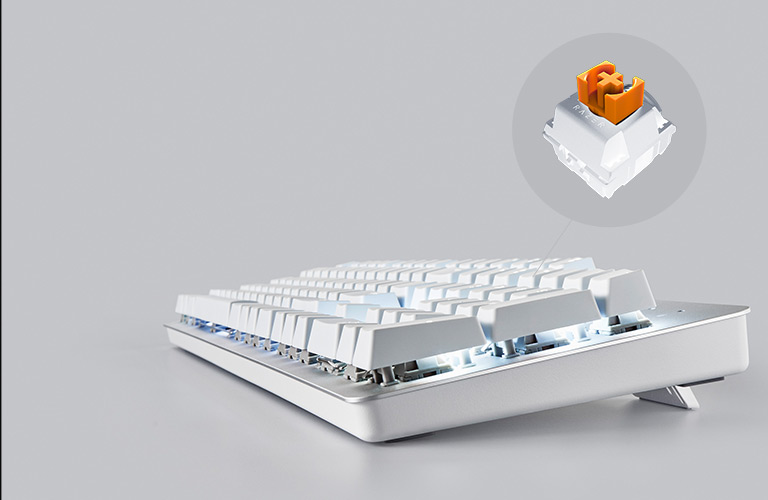
The majority of office keyboards utilize membrane technology. They incorporate a rubberized membrane beneath each key that returns to position when pressed. In inexpensive models, this membrane deteriorates rapidly, forcing serious gamers to replace these devices multiple times annually.
Membrane keyboards and CS:GO
Professional gaming keyboards come in both membrane and mechanical varieties. While premium membrane keyboards operate on similar principles to office models, manufacturers invest significantly more in material quality with emphasis on endurance. Consequently, professional-grade membranes can survive approximately 20 million keystrokes. Standard office keyboards cannot approach this level of resilience.
Another critical consideration involves tactile feedback characteristics. You’ve likely encountered discussions about mechanical keyboards and their operation (if not, we’ll thoroughly examine them). Most enthusiasts prefer mechanical keyboards for their superior typing experience. Each keystroke provides distinct actuation feedback, with keys snapping back crisply during release. You experience every keypress with satisfying precision. However, contemporary membrane keyboard manufacturers now integrate similar tactile mechanisms. Regarding typing sensation, these advanced membrane models compete with mechanical keyboards while costing nearly 50% less.
Mechanical keyboards and CS:GO
Mechanical keyboards have maintained prominence in competitive gaming for over a decade. Their operational principles differ substantially from membrane counterparts. They eliminate rubber membranes entirely beneath the keys. Springs return keys to their neutral position while metal contacts handle electrical connections. Keystrokes produce significantly more audible feedback compared to membrane versions, making keyboard type identification possible through sound alone. Conventional wisdom suggests mechanical switches provide superior responsiveness and faster key registration, potentially translating to quicker in-game reactions. Practically speaking, the performance difference remains minimal since most players cannot perceive millisecond-level variations.
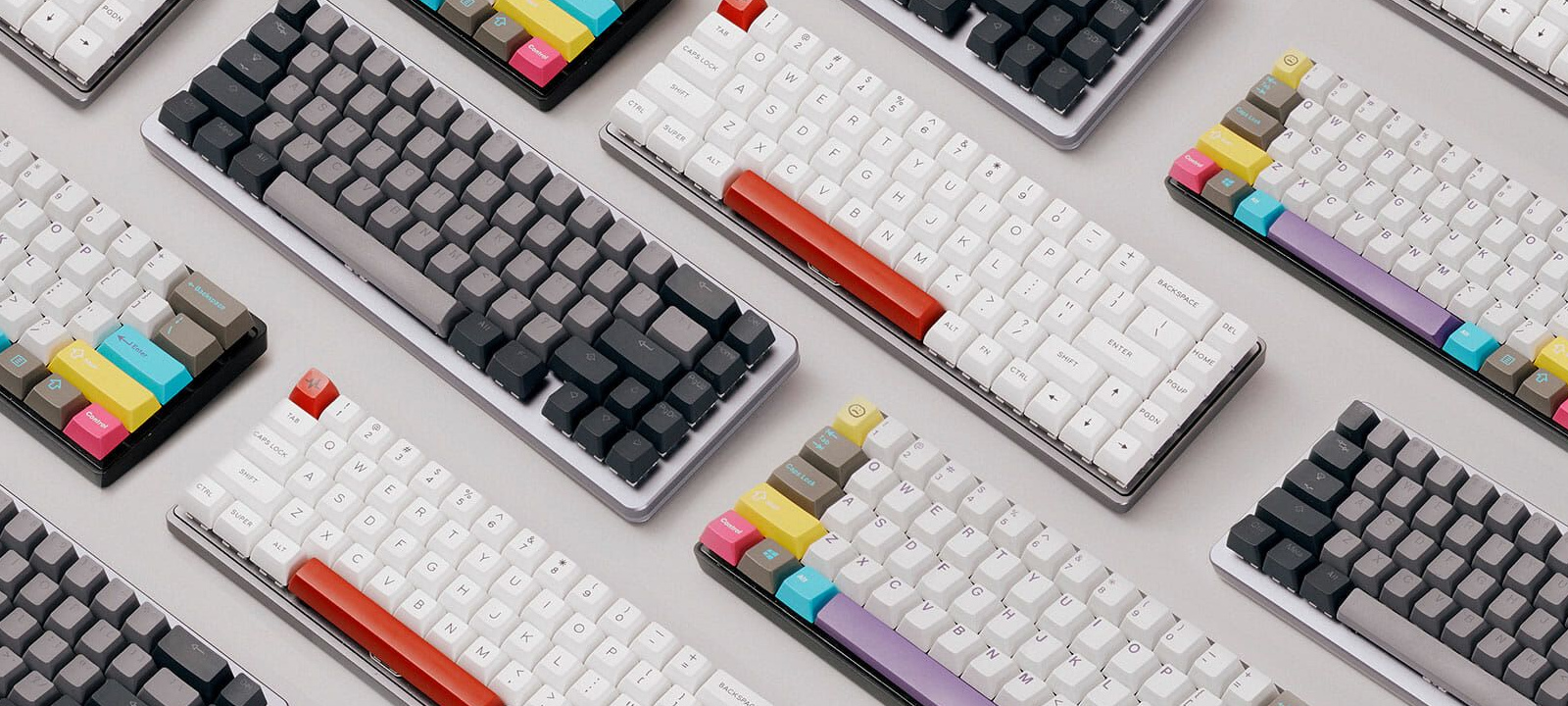
Mechanical keyboards deliver unmistakable tactile feedback, creating an enjoyable typing experience. However, their primary advantage remains exceptional durability. Most contemporary mechanical keyboards feature switches rated for 50 million keystrokes or higher. Even if you manage to damage or wear out individual switches, they can be conveniently replaced with new components.
What keyboard to choose?
We’ll avoid overwhelming technical details and instead showcase the most practical CS:GO keyboard options. We’ll examine leading manufacturers and explore economical alternatives that deliver comparable performance to premium brands. Let’s begin with mechanical keyboard recommendations.
s1mple’s keyboard
Consider Alexander “s1mple” Kostylev as an example. During 2021, he competed using a Logitech G PRO X. While carrying a substantial price tag, it demonstrates exceptional build quality. Numerous professional gamers utilize these keyboards regularly.
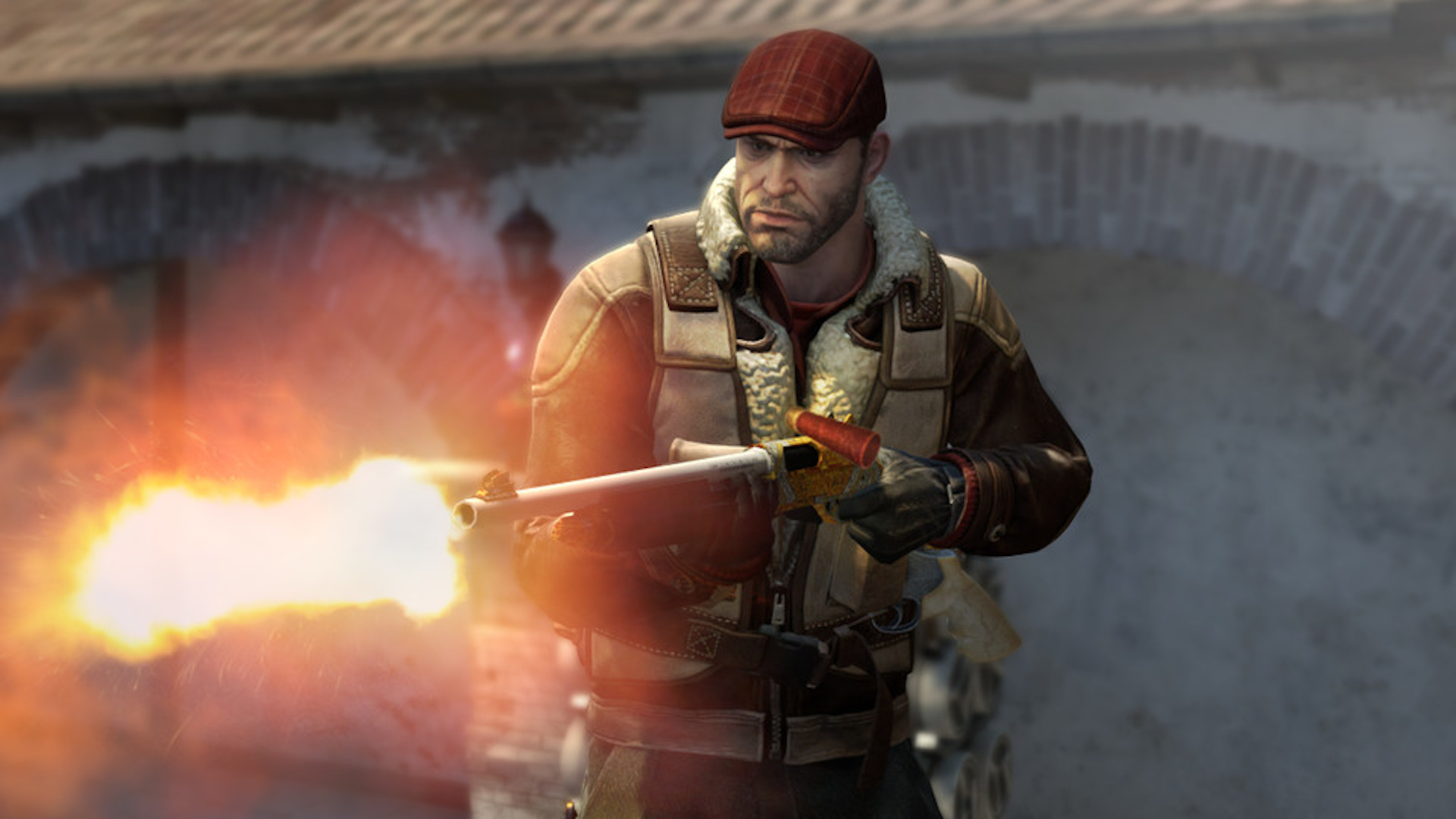
It’s important to recognize that professional players frequently don’t select their own equipment. Their organizations establish sponsorship agreements mandating usage of sponsor-provided devices. This means he potentially preferred alternative equipment for tournaments but must utilize the keyboard supplied by the sponsor.
This situation applies to Na’Vi team members. However, this doesn’t indicate inferior quality. Observe the absence of NUM pad section with numerical keys on this model, making it an excellent choice for dedicated gaming applications.
ZywOo’s keyboard
French professional Mathieu “ZywOo” Herbaut achieved elite competitive status remarkably quickly and earned Player of the Year honors twice. Naturally, many enthusiasts seek to emulate ZywOo’s setup. He selected the CORSAIR K70 RGB TKL CHAMPION SERIES. Another exceptional specimen among mechanical gaming keyboards. Although Corsair lacks the brand recognition of Steelseries or Logitech, they compete effectively in both quality and pricing.

Another compact Tenkeyless variant eliminating the NUM pad section. Professional competitors apparently prioritize gaming efficiency over numerical input functionality. Additionally, examine the switches on this model, engineered to withstand approximately 100 million actuations.
Steelseries and HyperX keyboards
Both manufacturers maintain extensive integration within competitive gaming ecosystems. Steelseries developed the iconic mechanical 6Gv2 utilized by championship Natus Vincere roster. The keyboard proved so successful that most competing models essentially replicate its ergonomic design and visual appearance today. They might incorporate minor enhancements like varied backlighting options, but the fundamental design remains consistent.
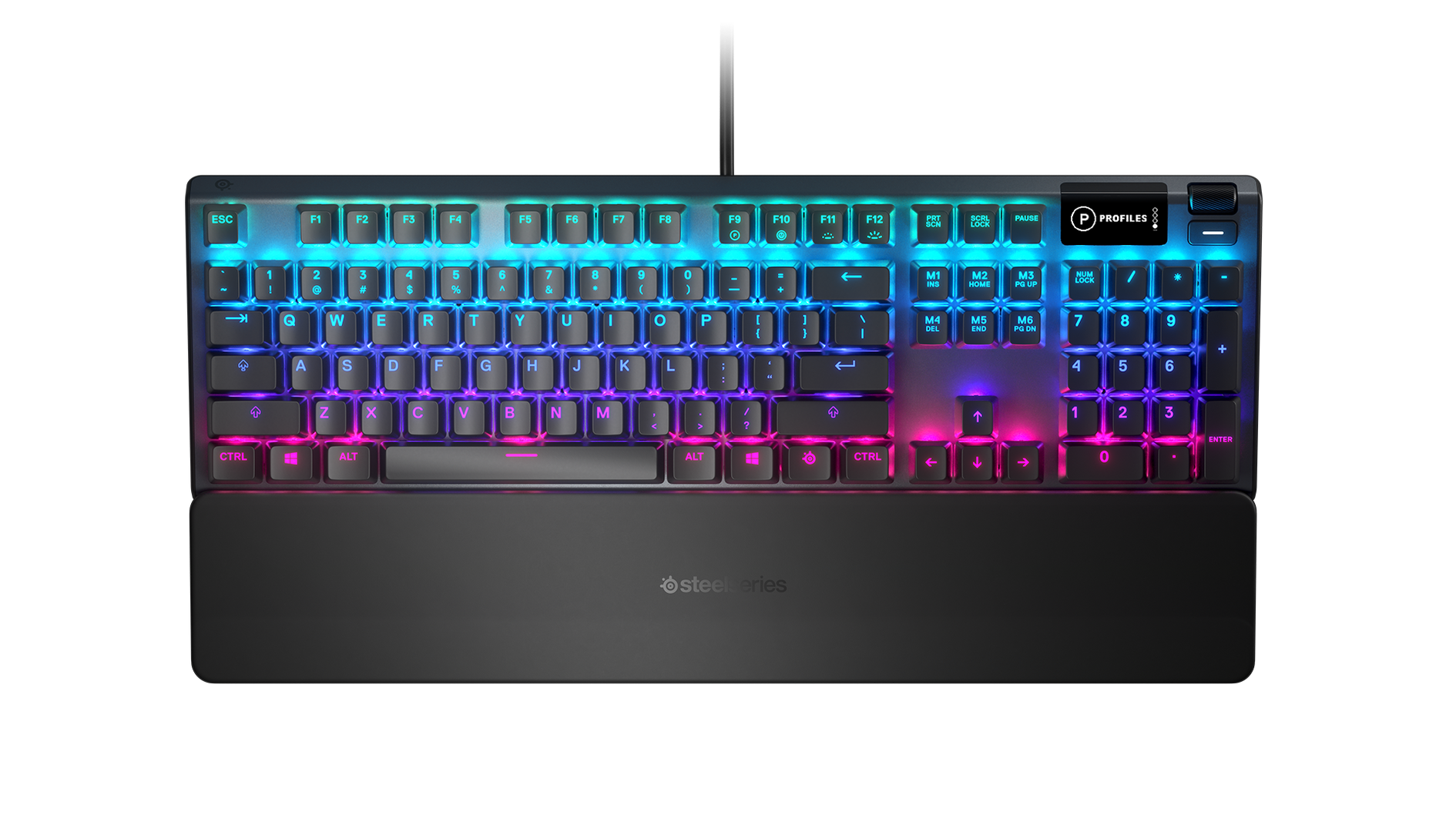
Steelseries keyboards command premium pricing. Naturally, their construction quality remains unquestionable, with costs reaching approximately 200 euros. The most popular and functional options originate from their Apex series, particularly the Apex Pro. Outstanding key mechanisms, precise tactile response, and including detachable wrist support. The keyboard integrates a somewhat impractical display showing current audio tracks or game-related information.
Regarding HyperX, they entered the esports arena considerably later than established competitors. Professional gamers frequently utilize the HyperX Alloy FPS Pro.
Incidentally, this represents one of the initial keyboards featuring所谓的 Skeleton construction. This indicates an open-frame design where keys remain exposed rather than recessed within the chassis. Essentially, it’s a platform with keycaps mounted directly. The aesthetic appears modern, though functionally equivalent to standard mechanical keyboards.
Other mechanical keyboards for CS:GO
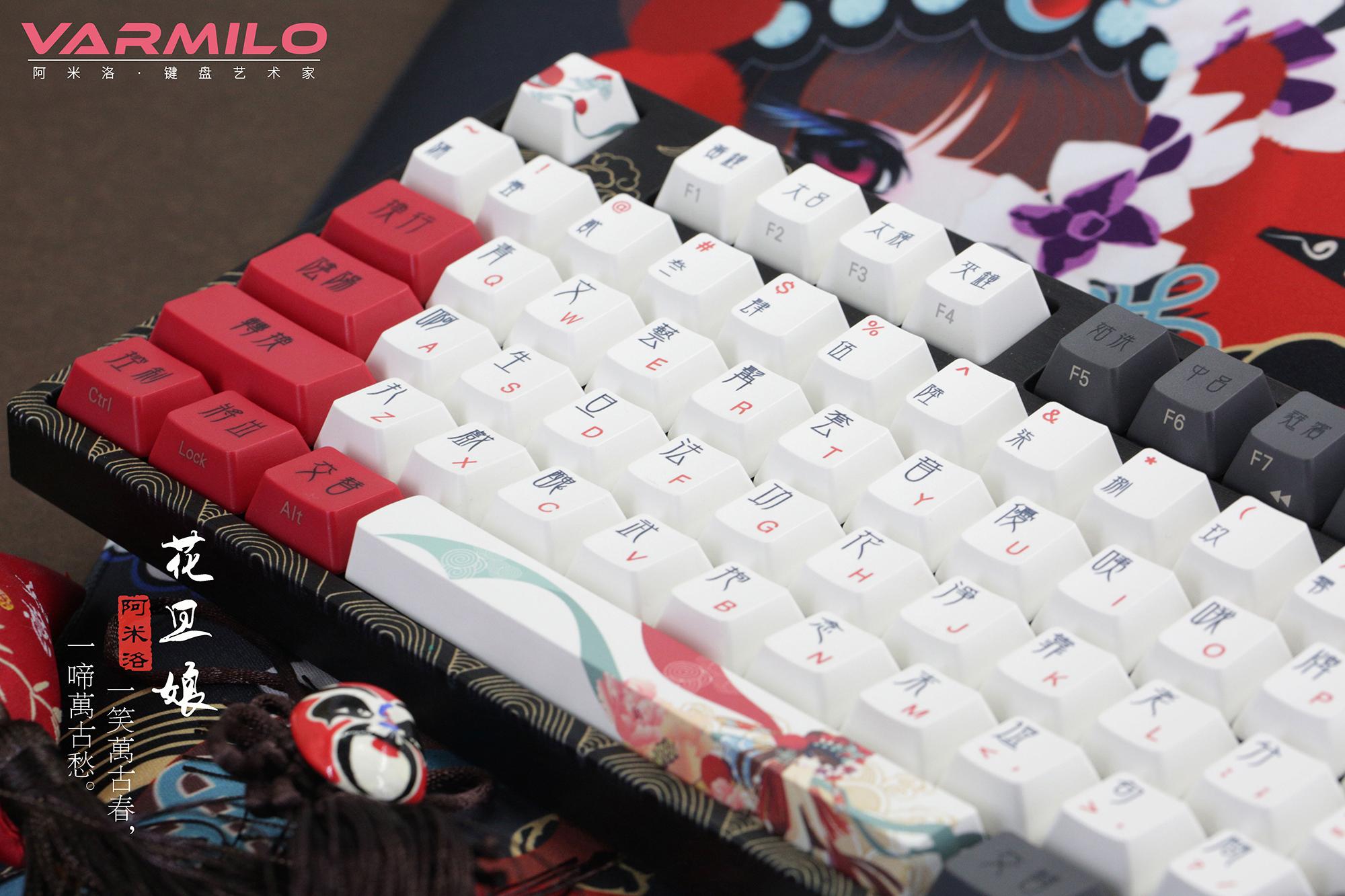
Don’t feel intimidated by premium keyboard market pricing. We haven’t even addressed custom-built keyboards that command even higher costs. These devices feature handcrafted construction, distinctive designs, and near-limitless durability. Investigate Varmilo and Leopold offerings if interested in such specialized equipment. But do you genuinely require one? The question remains rhetorical.
What if your budget cannot accommodate expensive keyboards from renowned manufacturers? Several cost-effective alternatives exist. Unable to purchase the Apex Pro? Consider the Apex 5. Features marginally different key return characteristics and more economical switches, while maintaining solid construction.
Prefer not to invest heavily in the HyperX Alloy FPS Pro? Acquire the standard Alloy FPS Core excluding the PRO designation. You’ll obtain comparable quality at approximately 50% reduced cost.
Always remember that selecting a mechanical keyboard, regardless of model, involves significantly higher initial investment than membrane alternatives, but guarantees extended service life.
Other membrane keyboards for CS:GO
Limited options exist in this category. Avoid membrane keyboards from obscure manufacturers—equivalent to purchasing standard office keyboards and replacing them upon failure. Membrane models cost substantially less than mechanical counterparts, making these alternatives worth considering:
- Steelseries manufactures the Apex 3 keyboard. Available in full-size configuration and compact version omitting the NUM pad. Don’t concern yourself with tactile response quality—Steelseries demonstrates engineering expertise. You won’t immediately distinguish between mechanical and membrane based on feedback characteristics.
- HyperX provides membrane alternatives through their HyperX Alloy Core RGB. Impressive backlighting systems, satisfying key response, and comprehensive anti-ghosting capabilities.
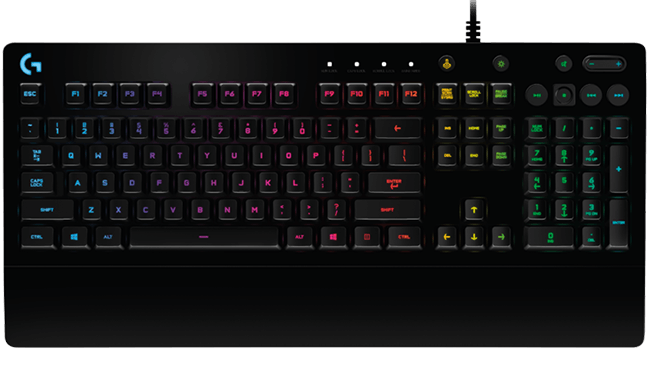
- Logitech’s membrane offering includes the G213 Prodigy. Comparable durability to competing products, attractive illumination, and maintains competitive performance regarding keystroke quality and registration speed.
Final recommendation: Many individuals might suggest purchasing A4Tech keyboards. These may function adequately for casual computer gaming, but seek superior alternatives if pursuing CS:GO seriously.
Additionally, pay close attention to keyboard switch specifications. Numerous switch varieties exist, making YouTube educational resources valuable for informed decision-making.
Select exclusively high-quality gaming peripherals!
Advanced Gaming Performance Optimization
Beyond basic keyboard selection, several optimization strategies can enhance your CS:GO performance. Understanding N-key rollover versus 6-key rollover becomes critical for complex movement and weapon switching combinations. Premium gaming keyboards typically offer full N-key rollover, ensuring every simultaneous keystroke registers accurately—essential for advanced strafing, counter-strafing, and rapid equipment changes during intense firefights.
Switch actuation force significantly impacts gaming stamina and reaction speed. Lighter switches (45g actuation) enable faster repetitive tapping for movement techniques, while heavier switches (60g+) provide more deliberate feedback that some players prefer for precise aiming.
Common mistakes include selecting keyboards based solely on professional player preferences without considering personal ergonomic needs. Many gamers overlook the importance of actuation point—the precise distance a key must travel before registering. Mechanical switches typically actuate at 2mm, while membranes require full 4mm travel, creating tangible performance differences.
For advanced players, consider these optimization techniques: Customize actuation distances where supported, implement macro profiles for buy binds, and establish multiple configuration setups for different gaming scenarios.
Time investment for keyboard optimization varies significantly. Basic setup adjustments require 15-30 minutes, while comprehensive customization including switch lubrication and keycap replacement might demand 2-3 hours initially but yield long-term performance benefits.
In-depth mechanical analysis reveals that switch hysteresis—the difference between actuation and reset points—can impact rapid tapping techniques. Cherry MX Red switches typically exhibit 0.2mm hysteresis, while Blue variants demonstrate 0.5mm, affecting rapid successive keystroke registration.
Action Checklist
- Determine your budget range and prioritize between mechanical durability or membrane affordability
- Research switch types appropriate for your playstyle—linear for rapid movement, tactile for precise actions
- Test keyboard form factors (full-size vs TKL) for desk space optimization
- Verify anti-ghosting capabilities and N-key rollover specifications
- Configure actuation settings and create gaming profiles for different scenarios
- Implement maintenance routine including regular cleaning and switch lubrication if applicable
No reproduction without permission:Tsp Game Club » The Best Keyboard for CS:GO. Guide by SCOPE.GG Expert guide to choosing CS:GO keyboards with pro player insights, budget alternatives, and performance optimization tips