
Comprehensive guide to fixing Battlefield 6 party leader errors with advanced troubleshooting strategies
Understanding the Party Leader Error
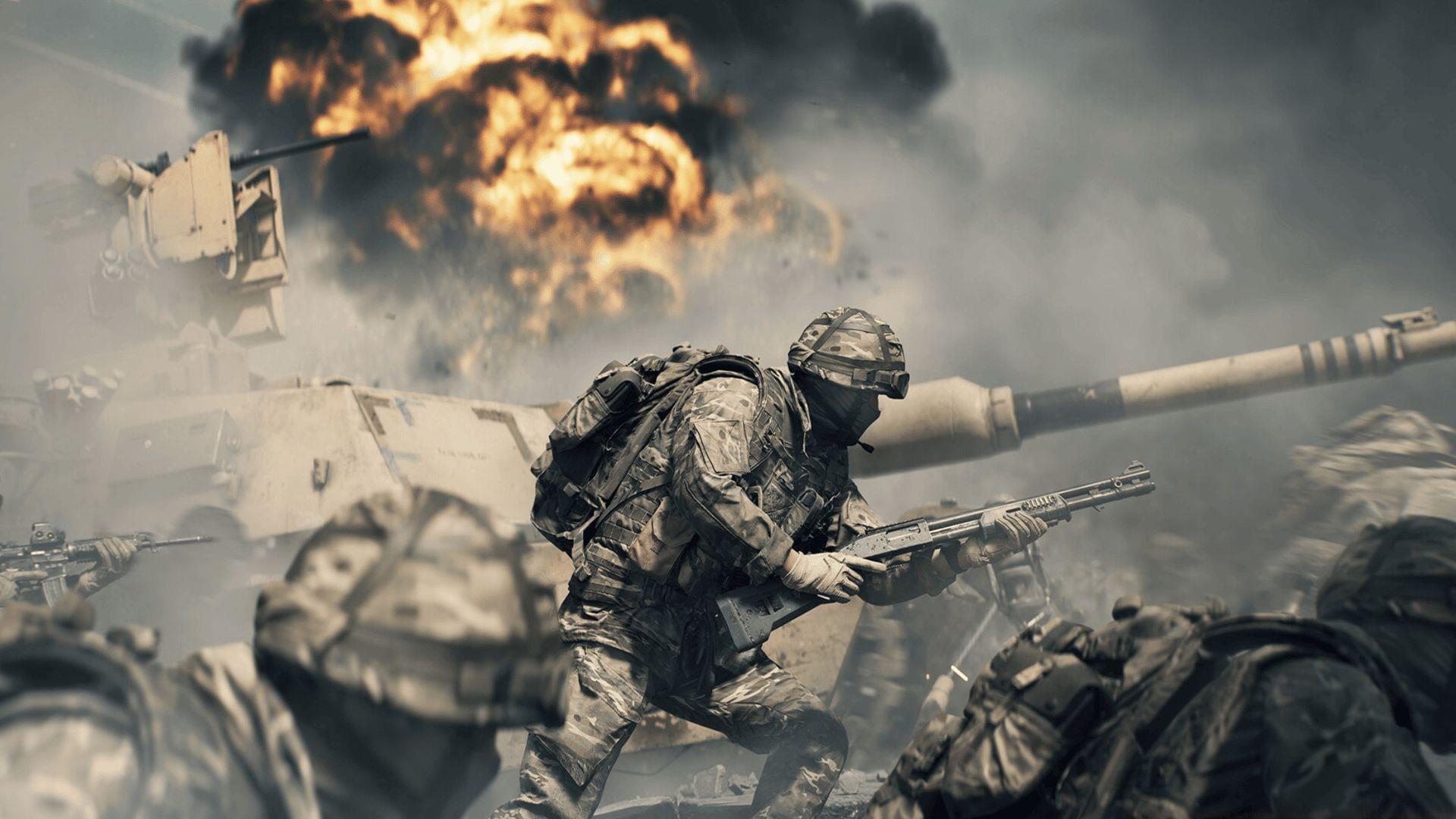
When diving into the Battlefield 6 Open Beta, encountering the “Not Party Leader” notification can disrupt your gaming momentum significantly. This technical glitch typically manifests when attempting to initiate matchmaking with your assembled squad. The problem may surface immediately after forming a group or emerge during active sessions when synchronization between matchmaking systems falters.
Understanding the underlying architecture helps: Battlefield’s party system relies on continuous data synchronization between client devices and EA servers. When this communication chain breaks, leadership assignments can become ambiguous or corrupted.
Common triggering scenarios include:
Immediate Quick Fix Solutions
Several proven resolution methods can restore party functionality quickly. Begin with these straightforward approaches before advancing to more complex troubleshooting.
Basic system reset procedures often resolve transient synchronization problems:
This comprehensive restart cycle forces the game client to rebuild its connection with EA servers and reload fresh party management data.
When simple restarts prove insufficient, reconstructing your squad from the ground up provides another effective approach:
This method provides the matchmaking servers with clean, unambiguous party data to process.
Read more: Battlefield 6 dominates Steam top seller list
Leadership role reassignment offers another viable troubleshooting path:
This role-swapping technique frequently resolves persistent leadership recognition issues by forcing server-side role recalculation.
Advanced Troubleshooting Methods
For persistent party leader errors, deeper investigation into technical factors becomes necessary. These advanced methods address underlying system incompatibilities and connection stability issues.
Version synchronization across all party members is absolutely critical for stable party operations:
Even minor version disparities between squad members can create party management conflicts that trigger leadership errors.
Network infrastructure problems frequently contribute to these synchronization failures:
This network refresh clears routing table inconsistencies and reestablishes clean connections to game servers.
Pro Tip: Use wired Ethernet connections instead of Wi-Fi when possible, as wireless networks introduce additional variables that can disrupt the constant communication required for party leadership maintenance.
Proactive Prevention Strategies
Implementing preventive measures can significantly reduce recurrence of party leadership complications. These strategies optimize your gaming environment for stable multiplayer sessions.
Most party synchronization problems are temporary and resolve following systematic restarts, squad reconstruction, or connection resets. Remember that as an Open Beta release, anticipated technical issues like these provide valuable data for developers to refine the final product.
Essential Prevention Checklist:
Also read: Battlefield 6 crashing on PC error: Possible fixes and reasons
For comprehensive Battlefield 6 coverage and additional troubleshooting resources, follow Sportskeeda’s ongoing analysis:
No reproduction without permission:Tsp Game Club » Battlefield 6 open beta not party leader error: Possible fixes and reasons Comprehensive guide to fixing Battlefield 6 party leader errors with advanced troubleshooting strategies