
Complete guide to Battlefield 6 Open Beta Weekend 2 timing, optimization tips, and essential preparation strategies
Introduction to Battlefield 6 Open Beta Weekend 2
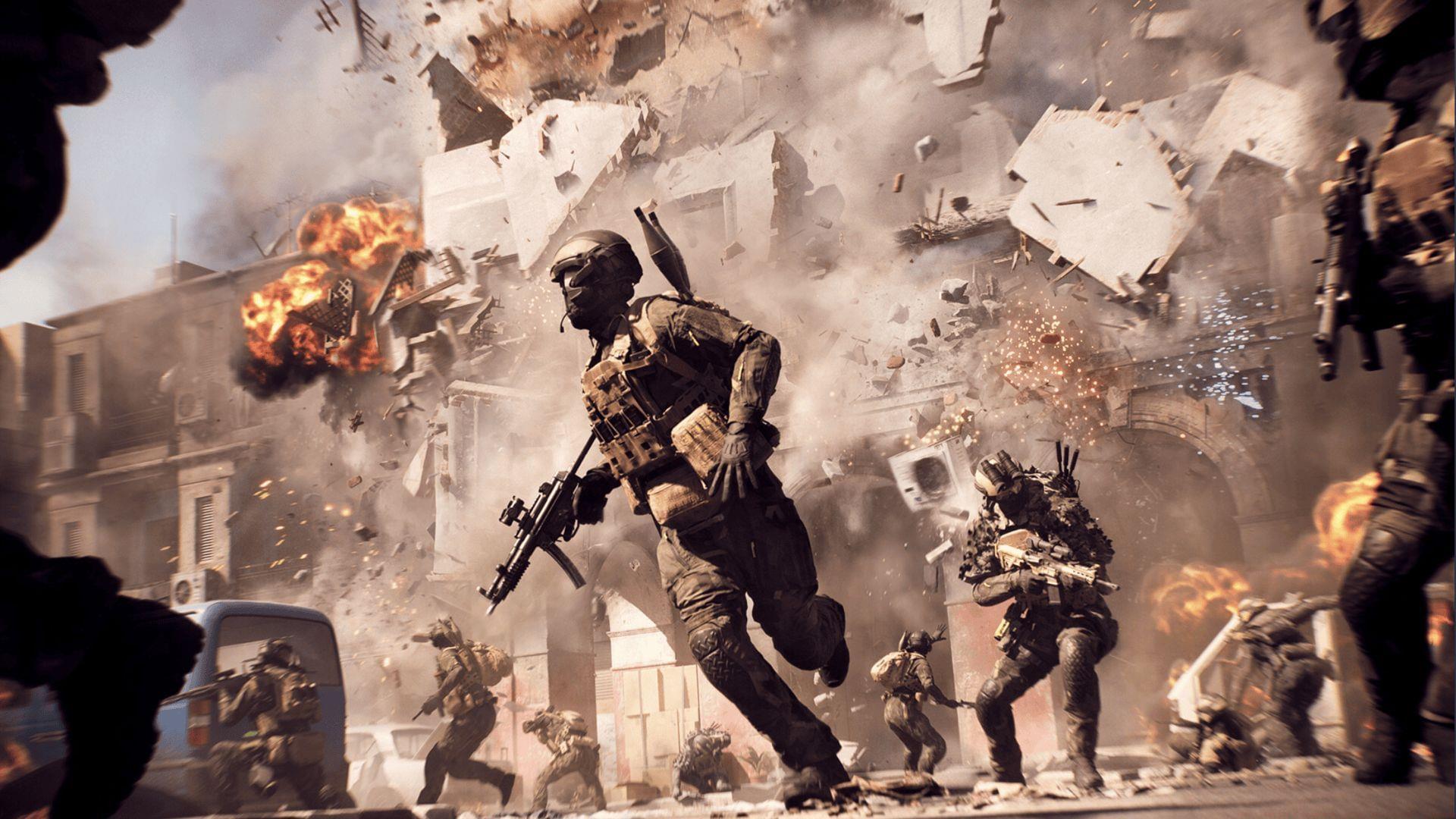
The Battlefield 6 Open Beta second weekend represents the final opportunity for global players to experience the upcoming title before its official launch. This unrestricted access period allows both newcomers and series veterans to test core gameplay mechanics, map designs, and weapon balancing while providing crucial feedback to developers.
Related coverage: Battlefield 6 pricing structure across all available platforms
Unlike limited early access periods, Weekend 2 features completely open participation beginning Wednesday, August 14, at 8:00 AM UTC. This extended timeframe accommodates various global timezones and provides ample opportunity for comprehensive gameplay testing across different regions and playstyles.
Detailed Regional Start Times and Conversion Guide
The synchronized global launch maintains identical timing structures for Weekend 2, ensuring fair access across all regions. Strategic planning around these time conversions can provide competitive advantages for early adopters seeking to maximize their gameplay experience.
- Pacific Time (PT): 1:00 AM (Ideal for West Coast night owls)
- Mountain Time (MT): 2:00 AM (Early morning access opportunity)
- Central Time (CT): 3:00 AM (Central region dawn patrol)
- Eastern Time (ET): 4:00 AM (East Coast sunrise session)
- Central Europe (CEST): 10:00 AM (European prime morning)
- Australia (AEST): 6:00 PM (Evening prime time down under)
Pro tip: Set multiple alarms with 15-minute buffers to account for potential server stabilization periods during initial launch. Consider coordinating with squad members across different timezones to ensure synchronized entry and maximize cooperative gameplay opportunities from the very beginning.
Essential Pre-Load and Preparation Strategies
Pre-load functionality has been activated across PlayStation, Xbox, and PC platforms, providing critical preparation time before servers go live. Downloading the beta client in advance represents the single most important step for ensuring immediate access when gates open.
Advanced preparation should include verifying adequate storage space (minimum 50GB recommended), ensuring stable internet connectivity, and performing necessary system updates. Consider conducting network speed tests and router reboots approximately one hour before launch to optimize connection stability during peak demand periods.
Additional reading: BF6 achievement of top seller status on Steam platform
Experienced beta testers recommend creating a pre-launch checklist including controller charging, headset preparation, and snack supplies to minimize interruptions during extended gameplay sessions. These simple preparations can significantly enhance overall enjoyment and performance during limited beta windows.
Advanced Player Tips and Common Mistakes to Avoid
Seasoned Battlefield participants understand that beta testing requires different strategies than full game releases. Focus on testing weapon handling, map navigation, and class specialization rather than pursuing high kill-death ratios. This approach provides more valuable feedback while accelerating mastery of new mechanics.
Critical optimization strategies include:
- Adjusting field of view settings for improved situational awareness
- Customizing control schemes during low-population periods
- Testing various graphic presets to balance performance and visual clarity
- Experimenting with audio settings to enhance spatial awareness
Common rookie mistakes to avoid:
- Waiting until launch time to begin downloading
- Neglecting to update graphics drivers beforehand
- Overlooking server browser filters for optimal matchmaking
- Ignoring in-game feedback reporting tools
Additional Battlefield 6 coverage available through Sportskeeda:
- PC crash error troubleshooting: Identification and resolution methods
- EA server connection issues: Diagnostic approaches and solutions
- Optimal graphical configuration for BF6 Open Beta performance
- Ideal controller customization for BF6 Open Beta responsiveness
No reproduction without permission:Tsp Game Club » Battlefield 6 Open Beta start time for all regions Complete guide to Battlefield 6 Open Beta Weekend 2 timing, optimization tips, and essential preparation strategies