
Complete guide to fix DLSS/DLAA visibility issues in Battlefield 6 Open Beta with performance optimization tips
Understanding the DLSS/DLAA Visibility Issue
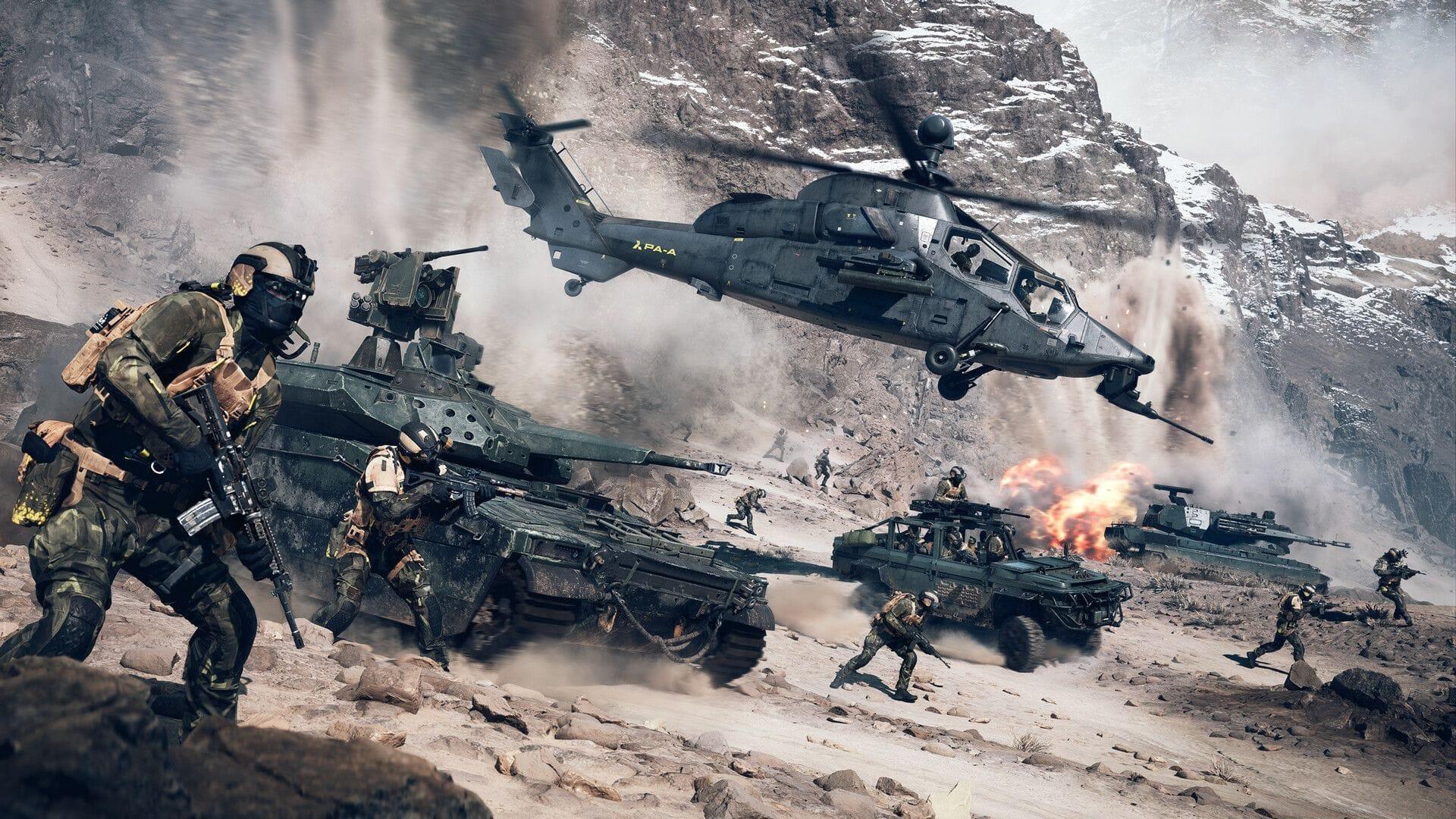
Battlefield 6 Open Beta development team has officially addressed the technical problem preventing DLSS and DLAA options from appearing in the game’s graphical settings menu. Through their verified communications channel on X (formerly Twitter), the developers responded to community reports about activating Nvidia’s advanced upscaling technology during the ongoing Open Beta testing period. These visual enhancement features play a crucial role for participants evaluating the game’s performance, as they significantly improve frame rate consistency and visual fidelity during intensive gameplay sessions.
Step-by-Step Troubleshooting Solutions
- Completely shut down all background applications running on your computer and execute a full system restart. Launch Battlefield 6 Open Beta once your operating system has completely reloaded. This clears temporary file conflicts and resets graphics subsystem initialization.
- Rebooting the Nvidia Graphics Application represents another effective approach you should attempt. Should this prove unsuccessful, consider performing a complete software reinstallation to eliminate corrupted configuration files that might be interfering with feature detection.
- When already immersed in gameplay, you might need to completely exit the game client and restart it to make the missing settings visible within the options interface. This forces the game to re-scan available hardware features during the initialization sequence.
Related coverage: Battlefield 6 Open Beta Weekend 2 rewards and challenges
Performance Optimization and Best Practices
Expect that certain participants might receive incremental update patches distributed throughout the beta testing cycle designed to resolve underlying technical complications automatically. These small updates often address compatibility issues without requiring manual intervention from users.
DLSS (Deep Learning Super Sampling) and DLAA (Deep Learning Anti-Aliasing) technologies prove particularly valuable for graphically intensive titles like Battlefield 6, since they substantially reduce computational demands on your hardware components. Activating these artificial intelligence-enhanced options can dramatically improve your gaming visual quality with instantaneous results while simultaneously increasing frames per second metrics. Nevertheless, gamers should thoroughly evaluate the comprehensive performance impact with these settings active, as they might introduce minor input latency or visual artifacts during high-speed engagement scenarios where every millisecond counts.
Advanced Troubleshooting for Persistent Issues
For players continuing to experience difficulties despite applying basic solutions, several advanced troubleshooting techniques may resolve stubborn DLSS/DLAA visibility problems. Begin by verifying your Nvidia graphics drivers are updated to the latest Game Ready version specifically optimized for Battlefield 6. Older driver installations frequently lack necessary configuration profiles for beta game releases.
Check your Nvidia Control Panel settings to ensure global graphics options aren’t overriding application-specific preferences. Sometimes, forced anti-aliasing settings at the driver level can conflict with in-game options. Additionally, monitor your system’s resource allocation—background applications consuming substantial GPU memory might interfere with feature detection during game initialization.
Stay connected with Sportskeeda’s gaming division for continuing coverage, detailed instructional content, and breaking developments.
- Compass activation procedure in Battlefield 6 configuration
- Battlefield 6 open beta conclusion schedule across global timezones
- Adjusting controller and mouse sensitivity parameters in Battlefield 6
- Battlefield 6 DirectX runtime errors: Comprehensive solutions and root cause analysis
No reproduction without permission:Tsp Game Club » Battlefield 6 Open Beta receives update to enable DLSS/DLAA Complete guide to fix DLSS/DLAA visibility issues in Battlefield 6 Open Beta with performance optimization tips