
TL;DR
- Refresh rates above 144Hz provide measurable competitive advantages in target acquisition and tracking
- 24-inch monitors offer optimal balance for competitive play while 27-inch suits mixed usage scenarios
- 4:3 aspect ratio makes player models appear wider but reduces peripheral vision
- IPS panels deliver superior color accuracy while TN panels offer faster response times
- Professional players prioritize performance over aesthetics in monitor selection
In the high-stakes world of competitive shooters, your gaming peripherals become extensions of your skillset. While no monitor can transform an amateur into a professional overnight, the right display provides tangible advantages when facing equally skilled opponents. Superior equipment transforms 50/50 duels into favorable engagements through enhanced visual clarity and reduced input latency.
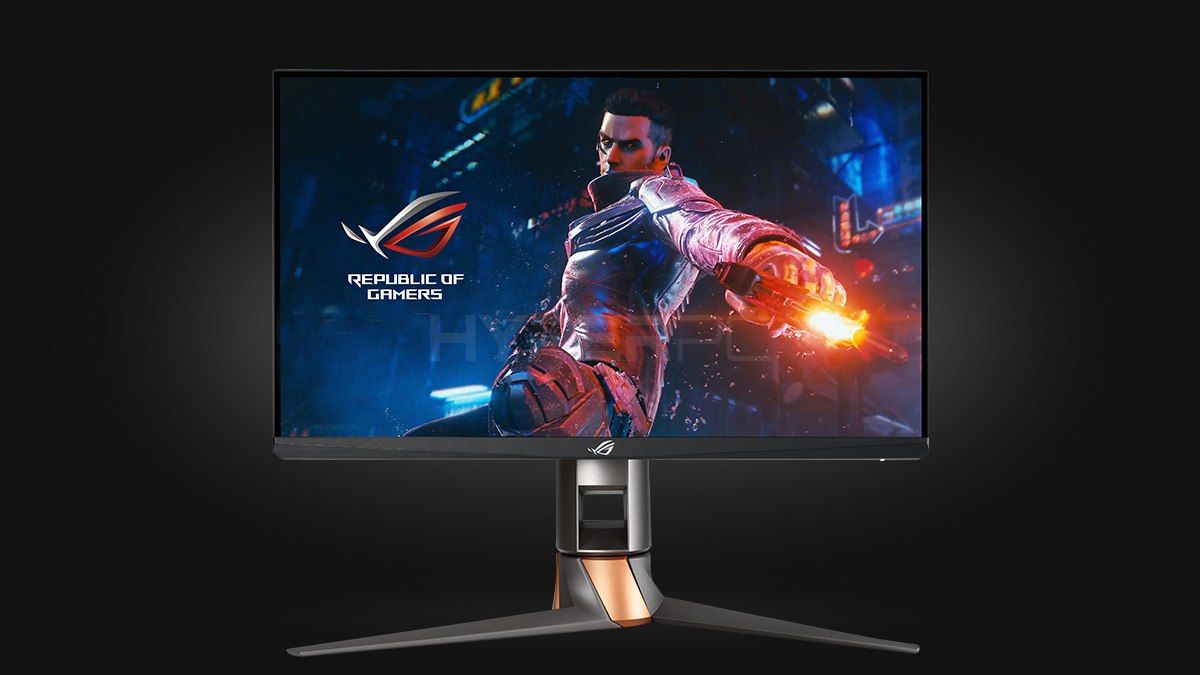
A quality gaming monitor serves as the visual gateway to your gameplay experience. Premium displays render every frame with precision, eliminating distracting artifacts and motion blur. With minimal response time and elevated refresh rates, you gain precious milliseconds in spotting opponents—the difference between clutching rounds and watching killcams.
Refresh rate stands as arguably the most critical specification for competitive gaming monitors. Measured in hertz (Hz), this metric determines how many times your display updates the image per second. Higher refresh rates deliver smoother motion and reduced perceived input lag, creating more natural aiming experiences.
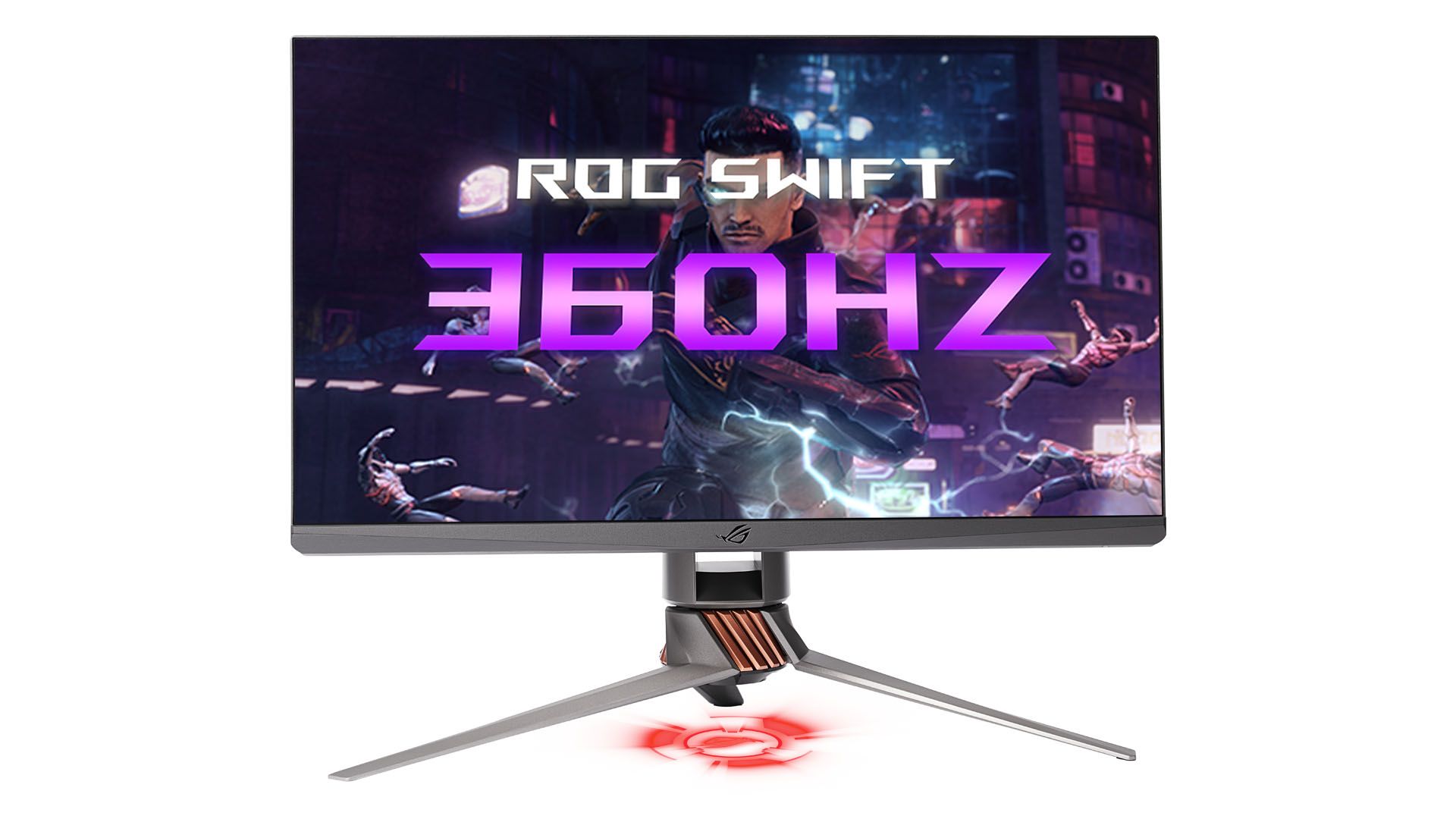
Standard office monitors typically operate at 60Hz, refreshing the display sixty times each second. For productivity tasks and casual gaming, this specification proves adequate. However, competitive CS:GO demands higher performance thresholds. The distinction becomes crucial when progressing through competitive ranks—you’ll encounter opponents with similar dedication and skill levels where equipment advantages become decisive factors.
Common Mistake: Many players underestimate the impact of refresh rate until they experience higher options. The transition from 60Hz to 144Hz often feels more significant than 144Hz to 240Hz due to diminishing returns.
Current market dynamics have made 144Hz displays increasingly affordable, while 240Hz and 360Hz options represent the premium competitive tier. Budget-conscious players should prioritize 144Hz as the minimum viable specification for serious competition.
Many gamers instinctively gravitate toward larger displays, assuming bigger screens automatically translate to better gaming experiences. While this holds true for immersive single-player titles and media consumption, competitive shooters operate under different visual paradigms.
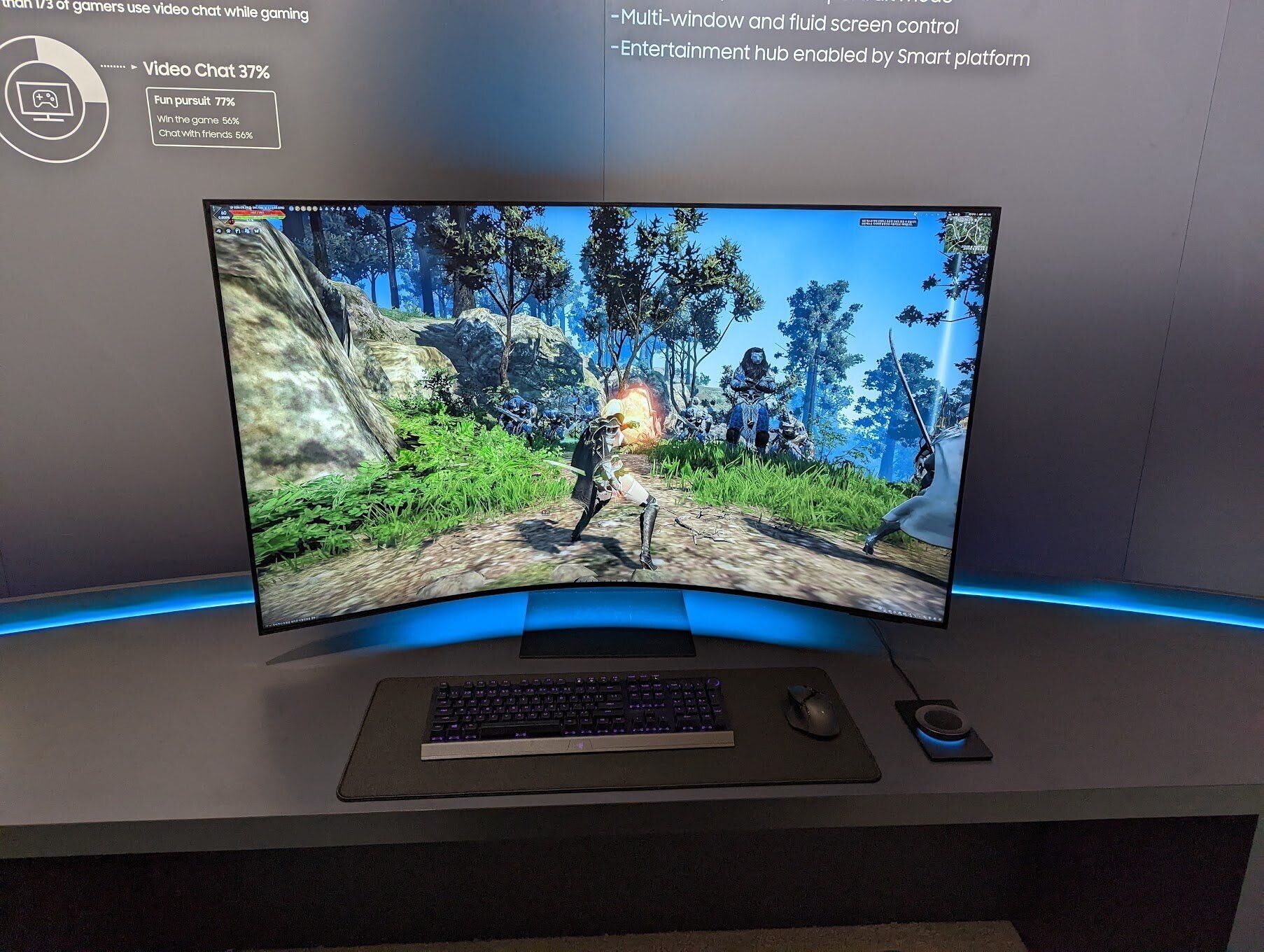
Oversized monitors introduce several competitive disadvantages that many players overlook:
- Hardware Strain: Larger resolutions demand significantly more graphical processing power, potentially introducing performance issues on mid-range systems;
- Visual Overload: Expanded field of view presents more visual information, potentially distracting from critical combat elements;
- Visual Degradation: Reducing settings on high-resolution displays often creates blocky, indistinct visuals that hinder target identification;
Professional competitors overwhelmingly prefer 24-inch displays, though 27-inch options have gained popularity for players seeking balanced multimedia functionality.
Optimization Tip: For players with limited hardware budgets, smaller monitors provide higher frame rates in CS:GO’s optimized engine. The game’s age means even modest systems can achieve competitive framerates on appropriately sized displays.
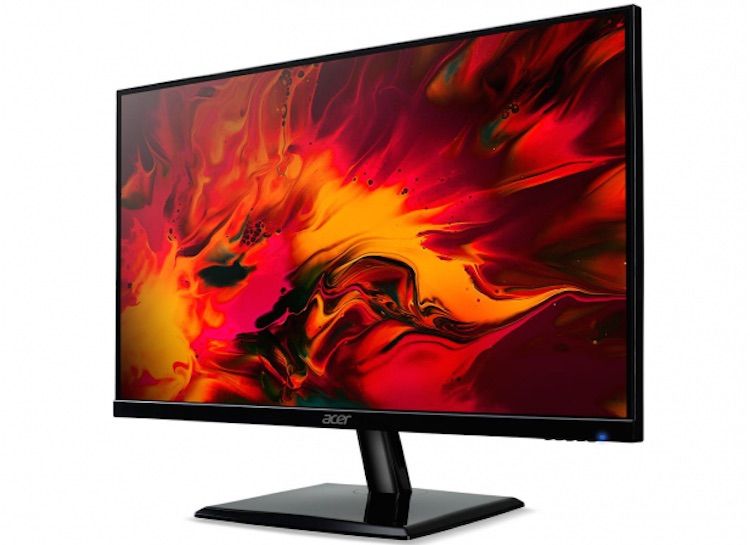
Your ideal monitor size depends on usage priorities. Dedicated competitive players benefit most from 24-inch displays, while those requiring multimedia capabilities may prefer 27-inch alternatives.
The aspect ratio discussion represents one of CS:GO’s most enduring configuration debates. Unlike other competitive settings, no single aspect ratio dominates as objectively superior—each option presents distinct trade-offs that align with different playstyles.
Historical context explains why 4:3 remains prevalent among veteran competitors. Many professionals began their careers when square monitors dominated the market, developing muscle memory and visual recognition around these dimensions.
Key Differences Between Popular Aspect Ratios:
- Performance Advantage: 4:3 resolutions typically deliver higher frame rates, benefiting players with limited system resources.
- Visual Clarity: 16:9 and 16:10 formats provide enhanced peripheral vision and superior image quality;
- Target Size: 4:3 stretches player models horizontally, creating larger apparent targets;
- Movement Perception: The horizontal stretching on 4:3 makes character models appear to move faster across the screen;
Red area is all 4:3 player will see on his screen. As you can see, difference between 4:3 and 16:9 is crucial Advanced players can create custom resolutions like 1350×1080 (5:4) through graphics driver settings, though these require additional configuration steps.
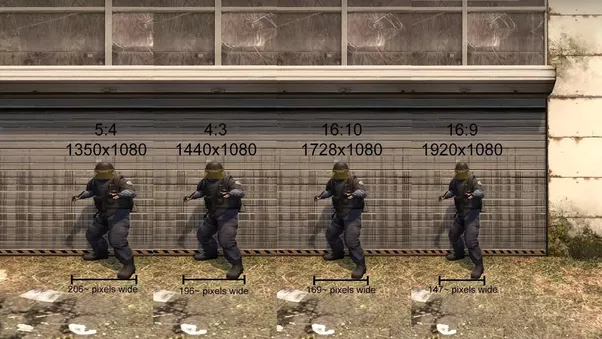
This picture shows the difference between player models on different resolutions While wider targets seem advantageous for aiming, the increased apparent movement speed creates different timing challenges. Aspect ratio modifications only affect visual presentation, not actual game mechanics.
Pro Strategy: AWP specialists often prefer widescreen formats for their enhanced situational awareness, while riflers may benefit from the target emphasis of 4:3.
The panel technology debate involves balancing response time against visual fidelity. Two dominant technologies—IPS and TN—offer distinct performance characteristics suitable for different competitive priorities.
TN Panel Characteristics:
- Exceptionally low response times (often 1ms);
- Limited color reproduction and contrast ratios;
- Restricted viewing angles, particularly on budget models;
IPS Panel Advantages:
- Superior color accuracy and consistency;
- Enhanced contrast performance for shadow detail;
- Wide viewing angles maintaining color integrity;
Modern IPS panels have narrowed the response time gap while maintaining their visual superiority. For competitive gaming where both speed and visual clarity matter, IPS often represents the optimal balance.
Common Mistake: Many players assume TN panels automatically provide competitive advantages due to their faster response times. However, the difference between 1ms and 4ms response times falls below human perception thresholds in most scenarios.
Your panel selection should align with overall usage patterns. Dedicated competitive players might prioritize TN panels for their minimal input lag, while those seeking balanced multimedia experiences benefit from IPS technology.
Selecting your competitive monitor involves balancing performance specifications with budget constraints and usage requirements. There’s no universally perfect configuration—only the optimal balance for your specific competitive goals and system capabilities.
Consistency proves more valuable than constant experimentation. Frequent setting changes disrupt muscle memory development and visual recognition patterns. Choose your preferred setup and commit to developing proficiency within those parameters.
Action Checklist
- Test different aspect ratios (4:3, 16:9) for at least one week each before deciding
- Configure custom resolutions through graphics driver settings if standard options feel inadequate
- Calibrate monitor settings for optimal brightness and contrast in your gaming environment
- Benchmark frame rates across different resolutions to identify performance sweet spots
- Establish consistent settings and avoid frequent changes to build muscle memory
No reproduction without permission:Tsp Game Club » How to choose gaming monitor for CS:GO? Guide by SCOPE.GG Master competitive CS:GO monitor selection with expert insights on refresh rates, screen sizes, and aspect ratios