
Unlock Europa Universalis 5’s full potential: Essential console commands, activation guide, and advanced strategies
Introduction to EU5 Console Commands
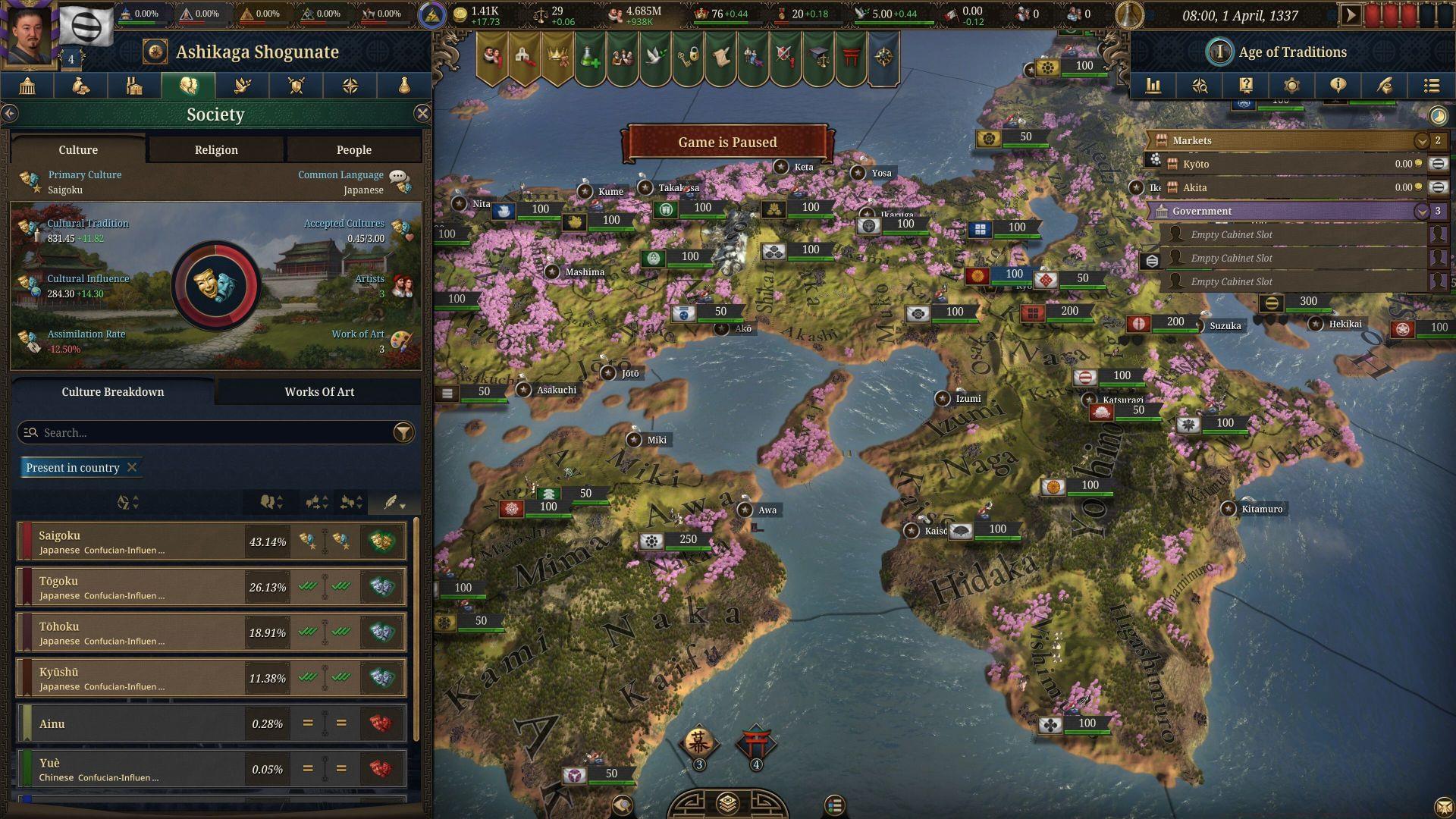
Europa Universalis 5 represents the pinnacle of Paradox Interactive’s grand strategy evolution, offering unprecedented depth in nation simulation. This complexity extends to its underlying systems, where a comprehensive suite of hundreds of cheat console commands exists for players to experiment with. Unlike casual modifications, these commands provide direct access to game variables, allowing for both troubleshooting and creative gameplay alterations.
Accessing this powerful toolkit requires activating the developer console, which remains disabled by default to preserve the intended gameplay experience. Similar to other Paradox titles and simulation games, this console must be manually enabled through specific launch parameters. Once activated, pressing the Tilde key (~) during gameplay reveals the command interface where you can input various cheats to manipulate everything from national treasury to diplomatic relations.
Step-by-Step Activation Methods
Successfully enabling the console requires modifying how Europa Universalis 5 launches. Choose the method below that best fits your playstyle and technical comfort level.
Method 1: Steam Launcher Activation (Recommended for Most Users)
- Navigate to your Steam library and locate Europa Universalis 5
- Right-click the game title and select ‘Properties’ from the context menu
- In the Properties window, find the ‘General’ tab and locate the ‘Launch Options’ field
- Enter -debug_mode (including the dash) exactly as shown
- Close the Properties window and launch the game normally through Steam
- During gameplay, press the Tilde (~) key to open the console command interface
Method 2: Direct Executable Shortcut Method
- Open your Europa Universalis 5 installation folder (typically in Steam/steamapps/common/)
- Navigate to the binaries folder and locate the game’s .exe file
- Create a desktop shortcut to this executable file
- Right-click the new shortcut and select ‘Properties’
- In the ‘Target’ field, add a space after the existing path followed by -debug_mode
- Save changes and always launch the game using this modified shortcut
Verifying Successful Activation
Once you’ve applied either method, launch the game and press the ~ key during a campaign. If a text input field appears at the top or bottom of your screen, the console is active. If nothing happens, double-check that you included the dash before ‘debug_mode’ and that there are no typos in the launch parameter.
Essential Console Commands and Practical Applications
With the console activated, you gain access to hundreds of commands. Here are categorized essential commands with practical applications:
Resource Management Commands
cash [amount]: Instantly adds the specified amount of ducats to your treasury. Use this to recover from economic disasters or test different economic strategies without the grind.
manpower [amount]: Boosts your military manpower reserves. Particularly useful when recovering from devastating wars or preparing for large-scale conflicts.
prestige [amount]: Directly modifies your nation’s prestige rating. Helpful for diplomatic situations requiring immediate prestige boosts.
Diplomacy and War Cheats
yesman: AI nations will accept all diplomatic proposals. Excellent for testing alliance networks or understanding diplomatic mechanics without rejection.
annex [country tag]: Instantly annexes the specified country. Use cautiously as this can disrupt game balance dramatically.
winwars (if available): Automatically resolves all ongoing wars in your favor. Mainly useful for escaping frustrating stalemates or testing post-war scenarios.
Game State Manipulation
debug_mode: Toggles additional debug information on the interface. Provides deeper insight into game calculations and mechanics.
ti (terra incognita): Removes fog of war from the entire map. Perfect for understanding global dynamics or planning long-term expansion strategies.
event [event ID]: Triggers specific historical or random events. Great for experiencing content that might not naturally occur in your campaign.
Remember to type commands exactly as shown, paying attention to spacing and capitalization. Most commands require a space before any numerical values.
Advanced Strategies and Common Pitfalls
Optimizing Command Usage
Seasoned players use console commands not just for cheating, but as strategic tools. Create ‘what-if’ scenarios by saving your game, testing aggressive expansion with annex commands, then reloading to implement lessons learned. Use cash injections to experiment with different building strategies without wasting decades of in-game development. The console becomes most powerful when used as a sandbox testing environment rather than a simple difficulty reducer.
Avoiding Game-Breaking Mistakes
Always create a backup save before using unfamiliar commands. Some commands, particularly those affecting province ownership or country existence, can corrupt save files or create unstable game states. Avoid using multiple resource commands simultaneously in large amounts, as this can trigger integer overflow errors. Be particularly cautious with commands that modify technology levels or institutions, as these can desynchronize historical progression.
Balancing Cheats with Challenge
The most satisfying EU5 experiences balance console usage with authentic gameplay. Consider using commands only to recover from genuine bugs or unfair situations rather than bypassing all challenges. Many players establish self-imposed rules, such as only using commands after achieving certain milestones or limiting usage to specific types of commands. Remember that over-reliance on cheats can diminish the sense of accomplishment that makes grand strategy games rewarding.
Europa Universalis 5 is available exclusively on PC, where this console functionality is fully supported. The debug tools reflect Paradox’s commitment to player agency and modding support, even in their most complex title.
No reproduction without permission:Tsp Game Club » All cheats and console commands in Europa Universalis 5 Unlock Europa Universalis 5's full potential: Essential console commands, activation guide, and advanced strategies