
Complete guide to Battlefield RedSec crossplay features, settings, and platform optimization strategies
Understanding Crossplay in Battlefield RedSec
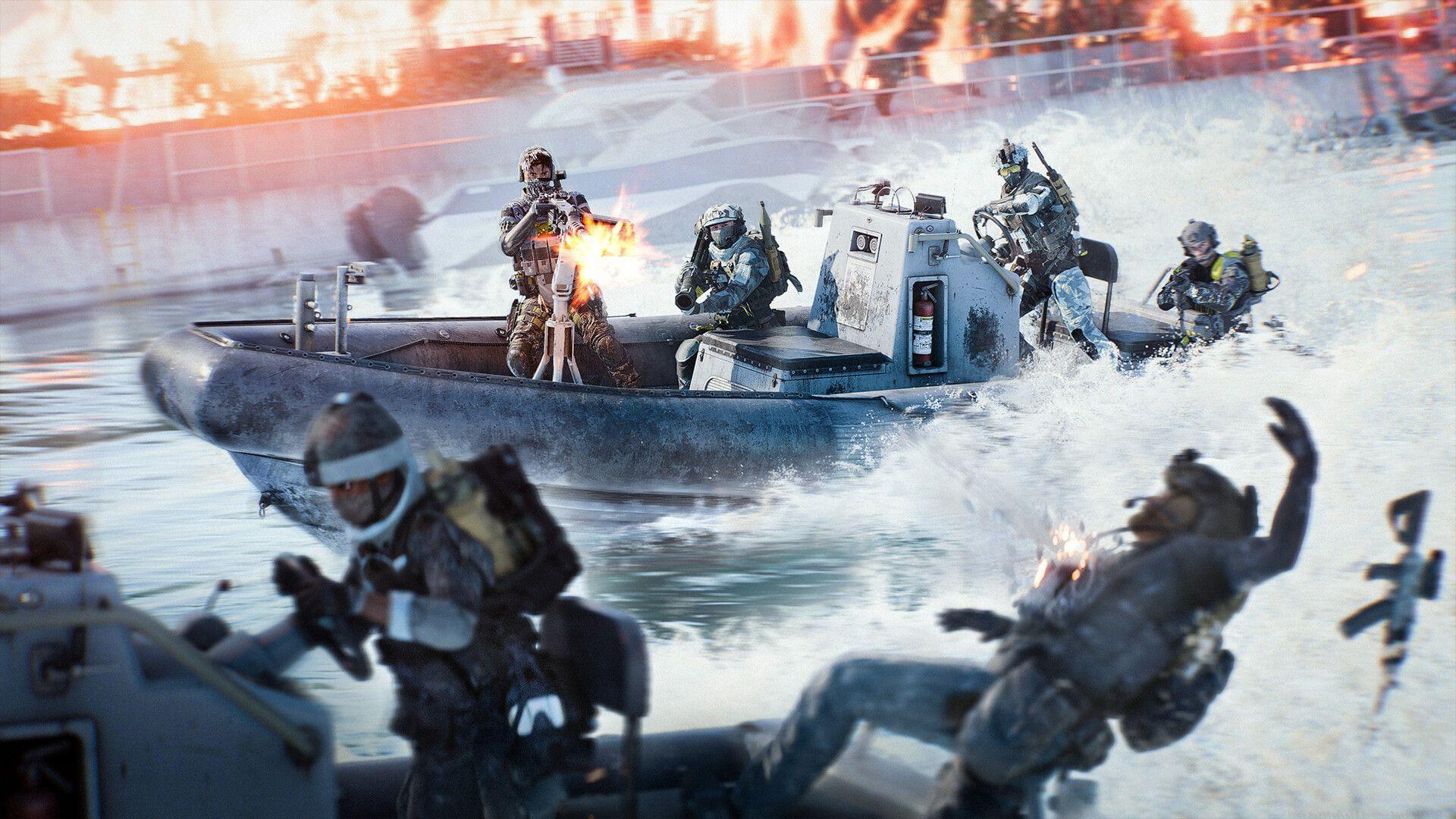
Battlefield RedSec supports comprehensive cross-platform functionality that activates automatically upon installation. This innovative feature creates unified multiplayer environments where Xbox, PlayStation, and PC users can engage in cooperative and competitive gameplay together. The integration significantly reduces matchmaking wait times while expanding the available player base across all supported systems.
The matchmaking algorithm incorporates sophisticated platform-balancing mechanisms to maintain competitive fairness. PC participants typically encounter other computer-based players primarily, while console users with crossplay activated experience priority matching with fellow console gamers initially. This intelligent segregation helps balance the inherent advantages of different control schemes and hardware capabilities.
Crossplay Configuration Guide
For gamers preferring platform-exclusive sessions, disabling crossplay requires navigating specific menu options. Follow this comprehensive configuration process:
- Initiate Battlefield RedSec on your gaming platform of choice
- Access your account using appropriate login credentials and proceed to the primary interface
- Select the ‘Settings’ option represented by the gear icon on the main navigation screen
- Navigate to the ‘System’ configuration section within the settings menu
- Locate the crossplay toggle switch (default: enabled) and deactivate it to restrict matchmaking to your platform
Successfully completing these steps will confine your multiplayer experiences to players using identical hardware systems. Important consideration: disabling crossplay may substantially increase matchmaking durations during off-peak gaming hours. The feature particularly benefits regions with lower player concentrations by ensuring viable match availability.
Advanced Crossplay Strategies
Maximize your crossplay experience with these professional gaming strategies. Frame rate optimization varies significantly between platforms – PC players should cap frames at 60fps when matching with console users to minimize advantage disparities. Console gamers benefit from activating performance mode to maintain competitive responsiveness.
Avoid these common crossplay mistakes: neglecting audio configuration for platform-specific voice chat compatibility, overlooking controller sensitivity adjustments when transitioning between input methods, and ignoring ping indicators when connecting to geographically distant players. Network performance directly impacts crossplay stability – prioritize wired connections over wireless when possible.
Advanced players should master platform-specific advantage utilization. PC users excel with precision aiming in long-range engagements, while console players dominate close-quarters combat with superior aim assistance. Understanding these dynamics creates more strategic gameplay approaches regardless of your preferred platform.
No reproduction without permission:Tsp Game Club » Does Battlefield RedSec have crossplay? Complete guide to Battlefield RedSec crossplay features, settings, and platform optimization strategies