
Master Shadowverse Worlds Beyond voice settings and optimize your gaming experience with comprehensive setup guidance
Introduction to Shadowverse Worlds Beyond Audio Customization
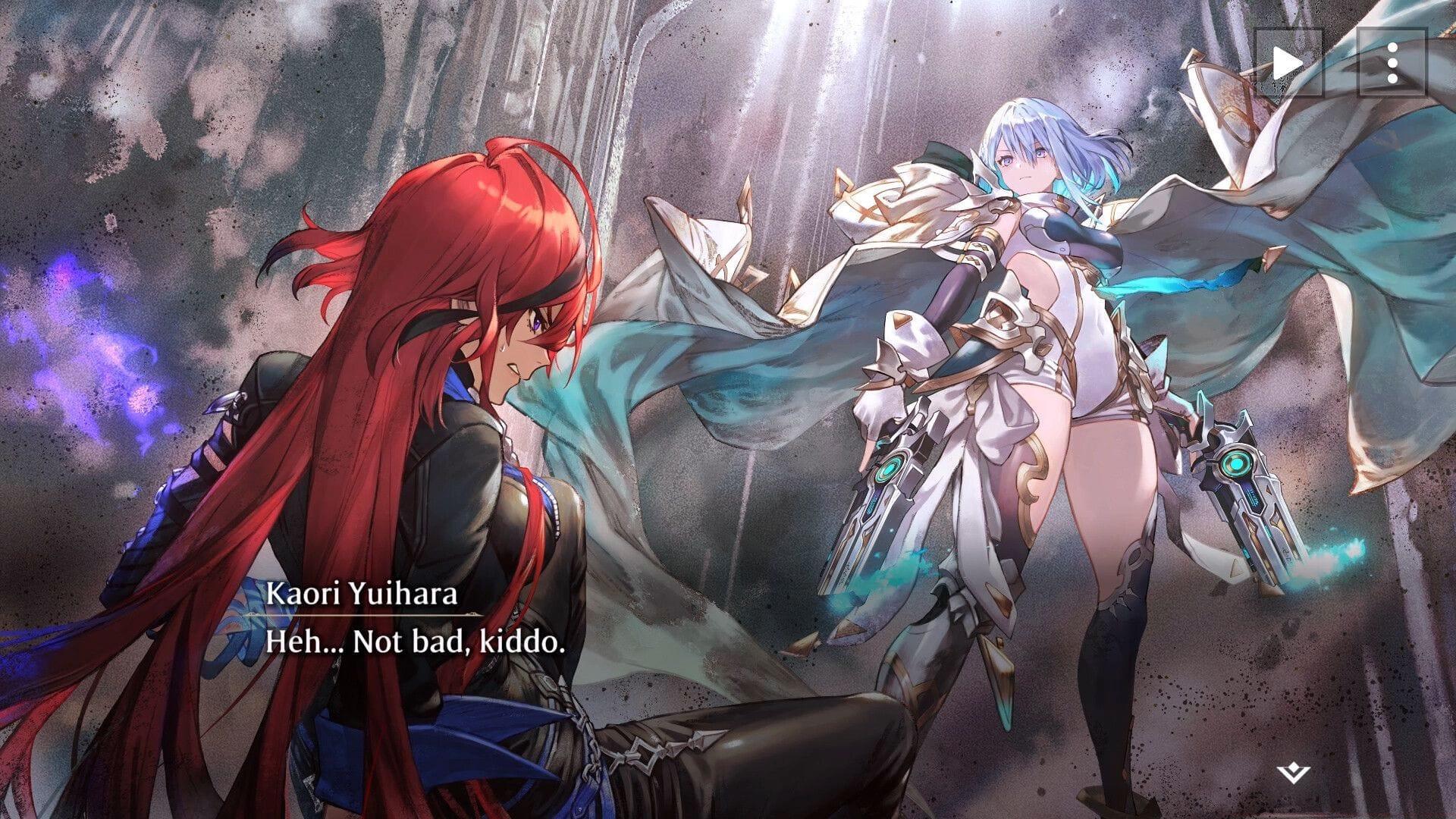
Shadowverse Worlds Beyond represents Cygames’ latest strategic card game masterpiece, launched on June 15, 2025, offering players deep tactical gameplay complemented by rich audio-visual elements. The game’s multilingual support system, while comprehensive, requires specific navigation to access voice customization features that significantly impact player immersion and enjoyment.
Many players overlook the audio customization options during initial setup, which can diminish the gaming experience when playing with non-native language settings. Understanding how to properly configure these elements ensures you experience the game as intended by the developers while accommodating personal language preferences.
Step-by-Step Voice Language Configuration Process
Navigating to the voice language settings requires accessing the main menu and scrolling downward to locate the ‘Additional Menus’ section, typically positioned at the interface bottom. Within this expanded menu, select the ‘Other’ tab situated directly above the Contact Us option for comprehensive language customization.
The Language settings panel appears in the second configuration row, strategically placed between User Data management and Shadowverse linking options. This interface provides two distinct customization categories: voice audio language selection and textual content language preference, allowing independent adjustment of auditory and visual elements.
Advanced players recommend changing voice language during non-peak gaming hours to avoid disruption, as the modification may require brief audio reloading. For optimal experience, consider testing different language options in practice matches before committing to ensure the selected voice acting aligns with your gameplay preferences and character immersion expectations.
PC System Requirements and Performance Optimization
Shadowverse Worlds Beyond demands specific hardware configurations to deliver smooth gameplay and crisp audio performance. The baseline specifications ensure operational functionality, while recommended settings provide enhanced visual fidelity and responsive gameplay.
- Minimum System Requirements: Windows 10/11 64-bit operating system, Intel Core i5-8500 or AMD Ryzen 5 3500 processor, NVIDIA GeForce GTX 970 or AMD Radeon RX 6500 XT graphics, with 20GB available storage (SSD strongly recommended)
- Recommended Specifications: Windows 10/11 64-bit OS, Intel Core i7-10700K or AMD Ryzen 7 3700X CPU, NVIDIA GeForce GTX 1660 or AMD Radeon RX 6600 XT GPU, 20GB SSD storage minimum
Performance optimization extends beyond meeting minimum specifications. Ensure your audio drivers are updated to latest versions, as outdated drivers can cause voice line stuttering or complete audio dropout during critical gameplay moments. Allocate additional RAM priority to the game through task manager settings for improved loading times and smoother voice asset streaming.
Advanced Audio Configuration and Troubleshooting
Experienced players frequently encounter specific audio-related challenges that require targeted solutions. Common issues include voice lines playing in incorrect languages despite settings changes, audio desynchronization during cinematic sequences, and volume balancing problems between character voices and game sound effects.
For persistent language setting resets, verify game file integrity through your platform’s verification tool and ensure system region settings align with your selected language preference. Audio-visual synchronization problems often resolve by adjusting buffer settings in audio configuration or temporarily disabling background applications that may interrupt processing resources.
Related Reading: Available Shadowverse Worlds Beyond promotional codes and rewards
Advanced configuration involves modifying audio sample rates in configuration files for clearer voice quality and adjusting channel output settings for surround sound systems. These technical adjustments require careful implementation but significantly enhance atmospheric immersion and character voice clarity during intense gameplay sessions.
No reproduction without permission:Tsp Game Club » Shadowverse Worlds Beyond: How to change voice language Master Shadowverse Worlds Beyond voice settings and optimize your gaming experience with comprehensive setup guidance